Play Call


Play Call |
|
| Voice Recording > Recorders Configuration > Nice NTR-X > Nice NTR-X Interface |
How to play a call
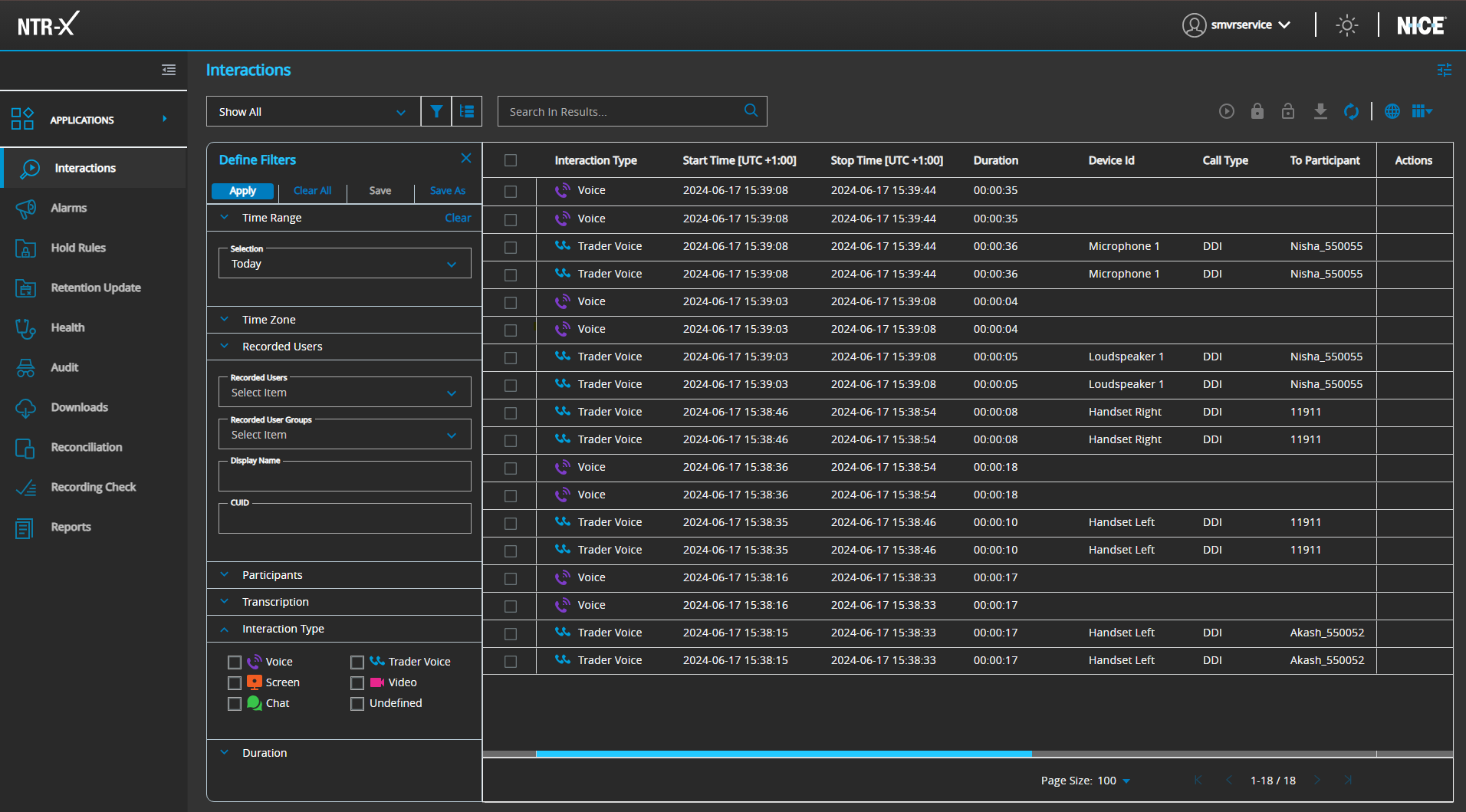
1. After having done a search, as shown on following picture:
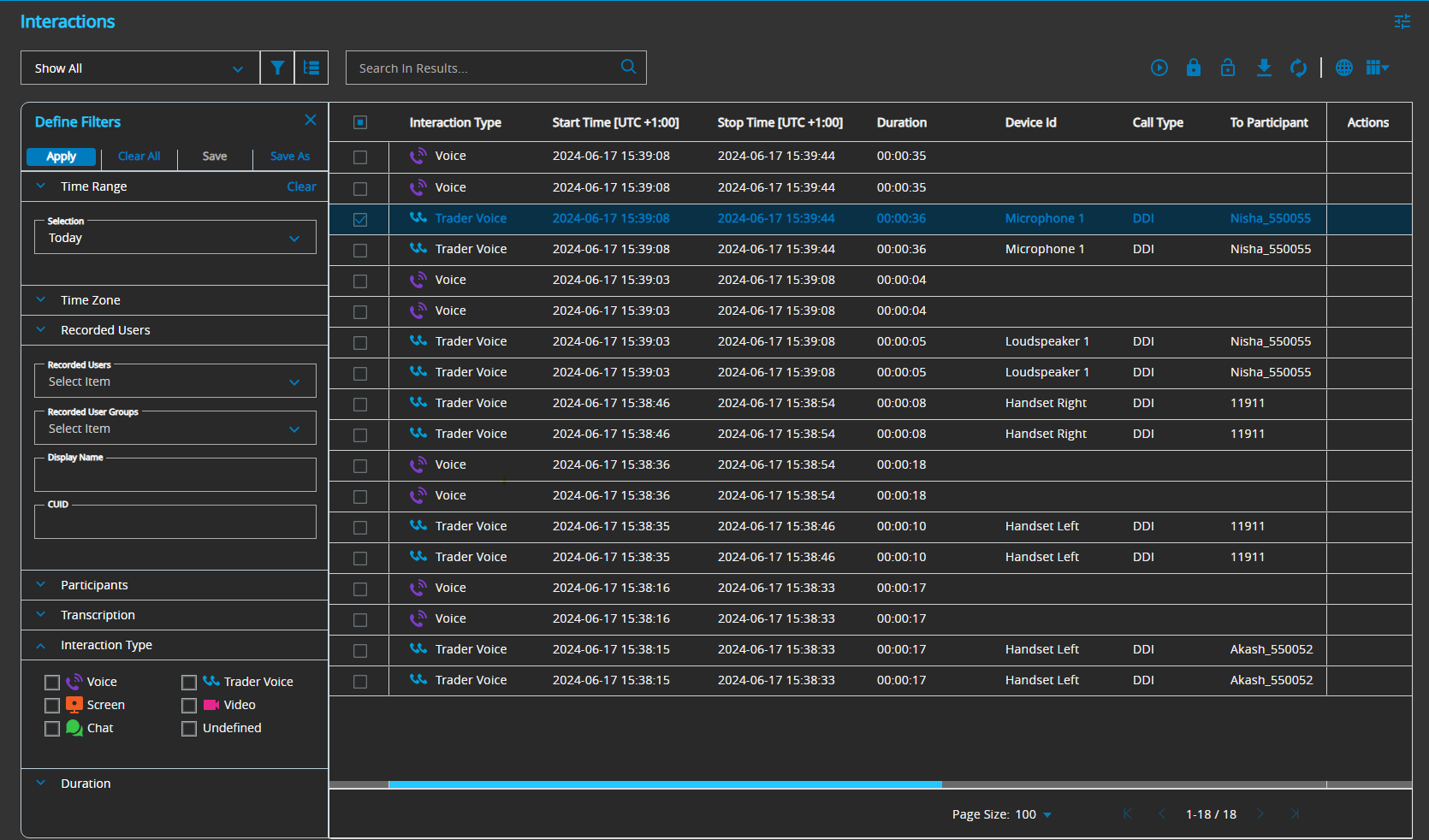
2. Select the call recording you want to play by checking the check box and click on Play Button Note:- Interaction Type: Trader Voice is the actual CDR and Interaction Type : Voice is just VOX.
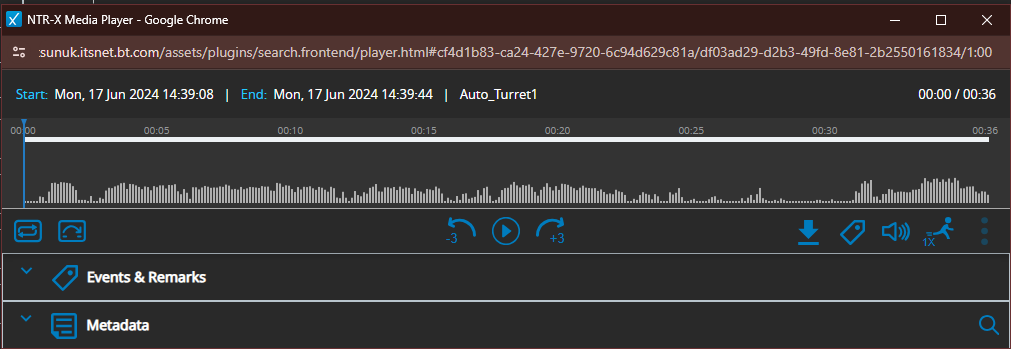
3.Click on the Play Button
|