Maintenance


Maintenance |
|
| IT&Operations > Web Administration Interface |
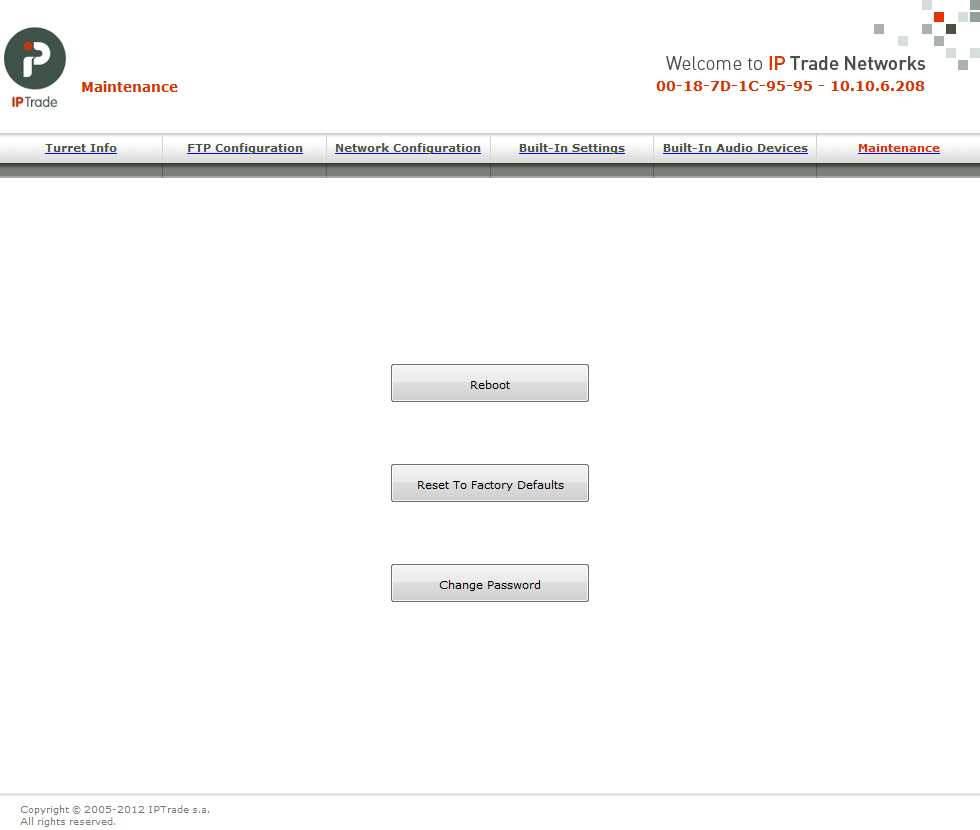
This menu allows to make some maintenance actions.
Reboot will restart the device. Reset to Factory Defaults will erase the device configuration and installed firmware and restart it. The device will then switch to its factory boot procedure, presenting a configuration Wizard interface. Change Password allows the IT administrator to change the Web Administration Interface's access password for security reasons.
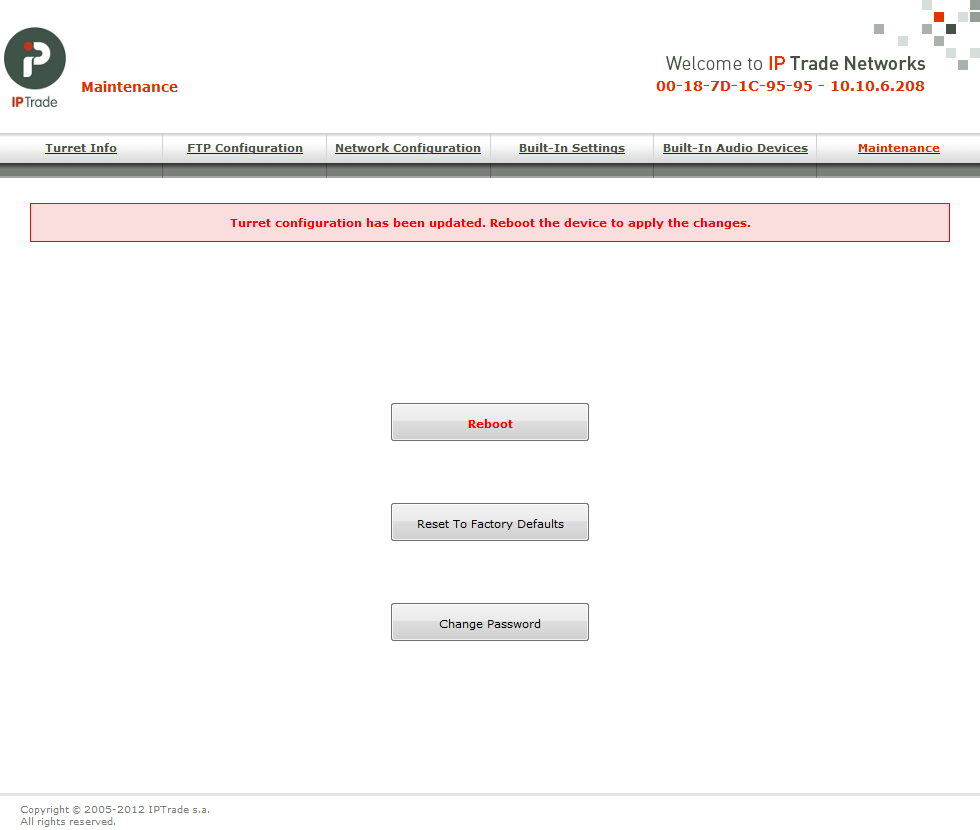
When a modifications has been done in one of the previous menus, the "Maintenance" menu become red :
A red field also appear to indicate to reboot for apply the current modifications :
|