Web Administration Interface


Web Administration Interface |
|
| IT&Operations |
The Web Administration Interface is a web interface available on each managed IPTrade turret, allowing to: 1.Review the device's runtime properties (such as its IP address, its firmware version, ...) 2.Edit a device's built-in properties (such as its FTP/network configuration, audio devices associations, ...)
It is available by entering the device IP address in a Web browser, or clicking the "Administrate" button present in the TSS Administration Console (found in either the device edition form, the device list or the device sessions list):
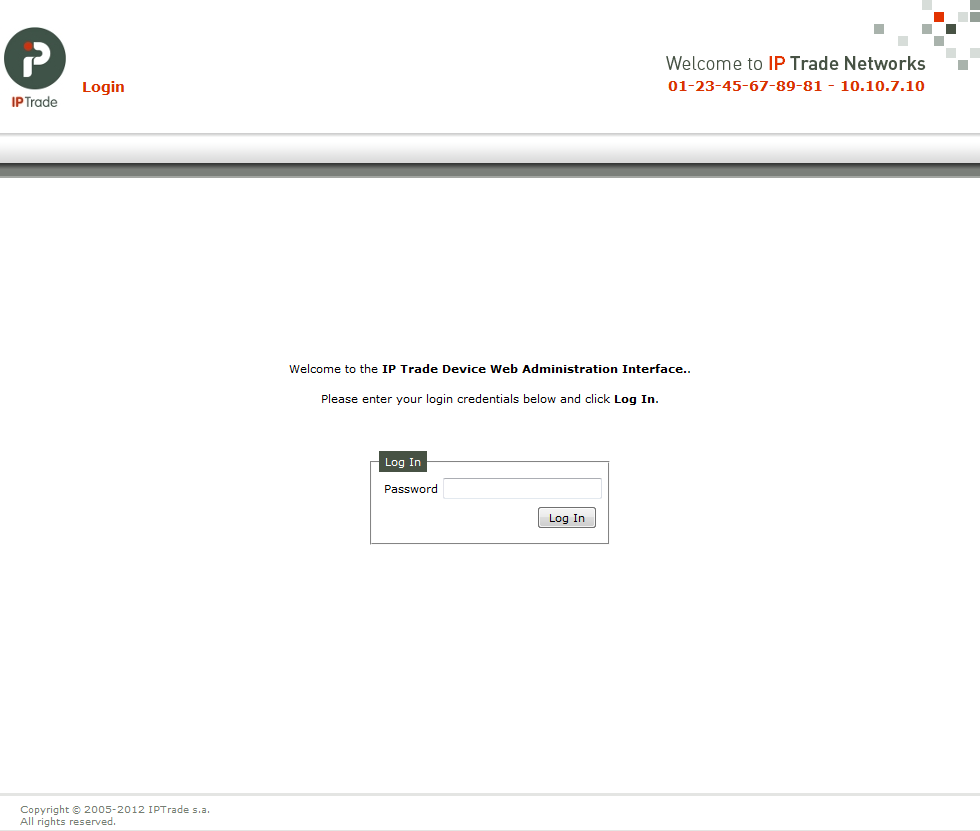
The next screen ask for a password (default is : "admin1&" but can be changed after login) :
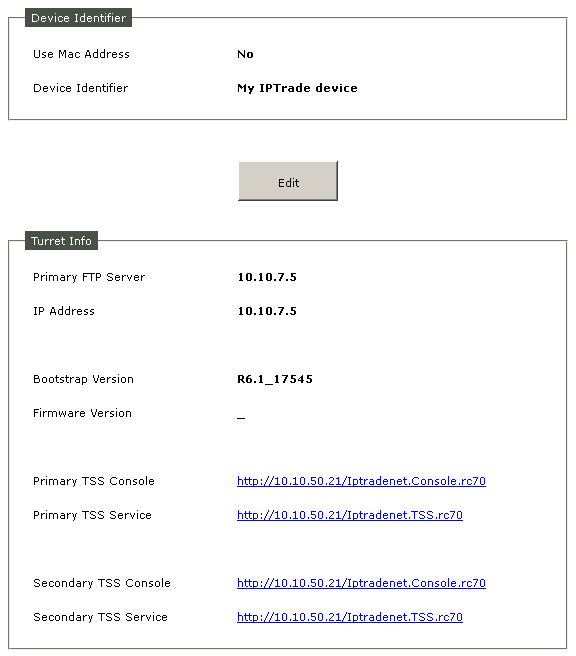
Once on the Web Administration Interface, the device's runtime properties are visible :
It is possible to make some changes on the FTP Configuration, the Network Configuration, the Built-in Settings or the Built-in Audio Devices Associations. |