Wizard install


Wizard install |
|
| Solution Installation > Turret/Console Installation > FlexCom installation |
To install the FlexCom, launch the setup.exe.
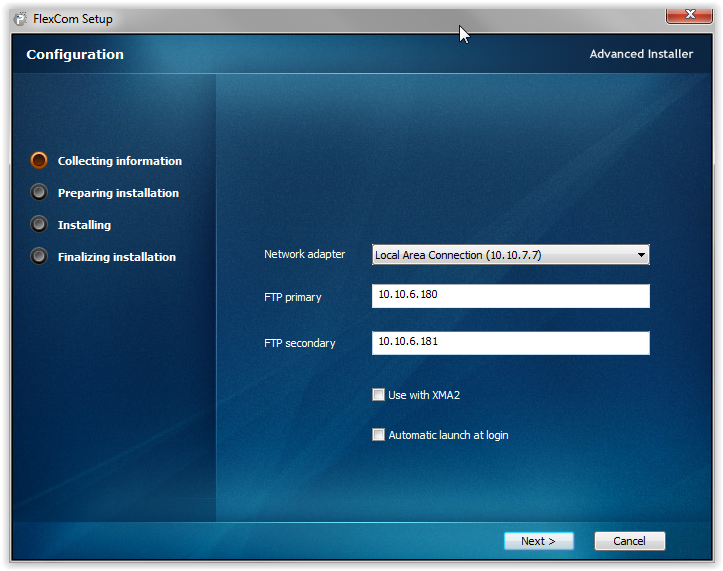
Choose your network adapter, encode your FTP servers, choose default usage mode (with/without XMA2) and press "Next" :
Please note that the primary and secondary FTP server addresses are, most of the time, the same as the primary and secondary TSS server addresses.
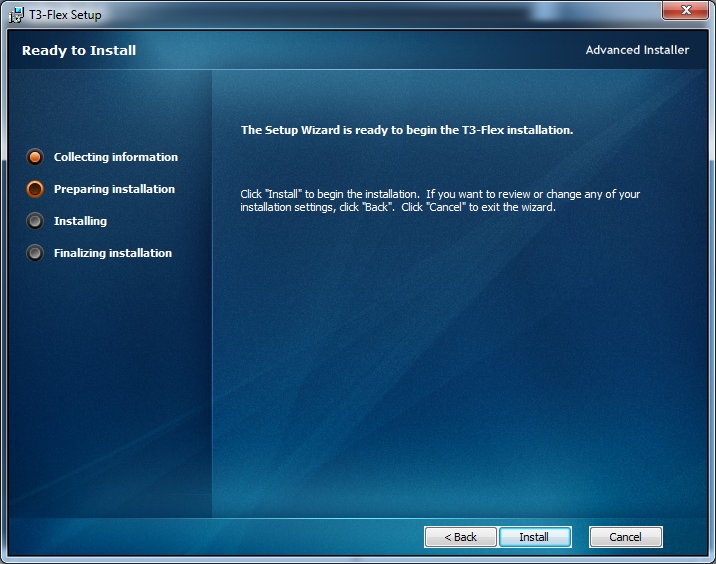
Press "Install" to confirm the installation :
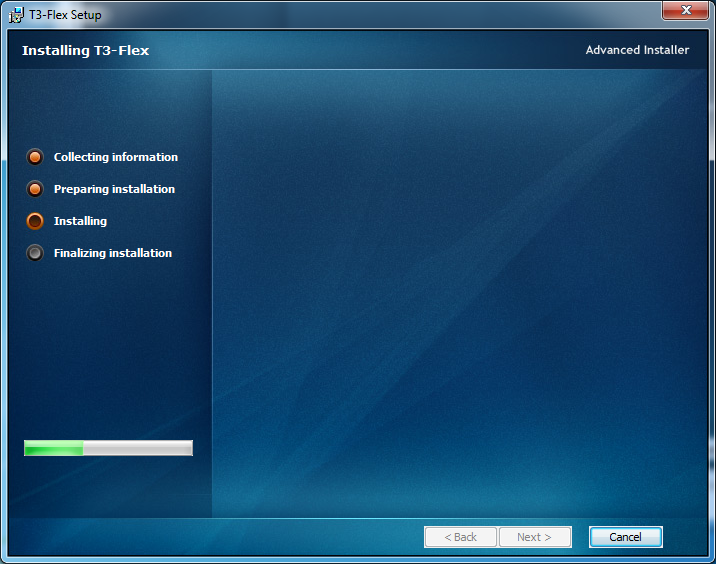
Installer copying files :
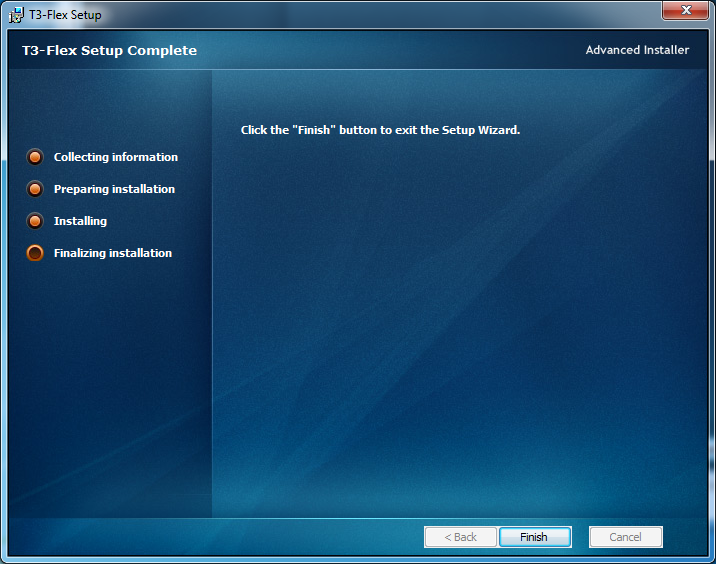
Press "Finish" :
Installation is done. |