Restart TPO engine


Restart TPO engine |
|
| Solution Installation > TPO Installation > TPO Upgrades |
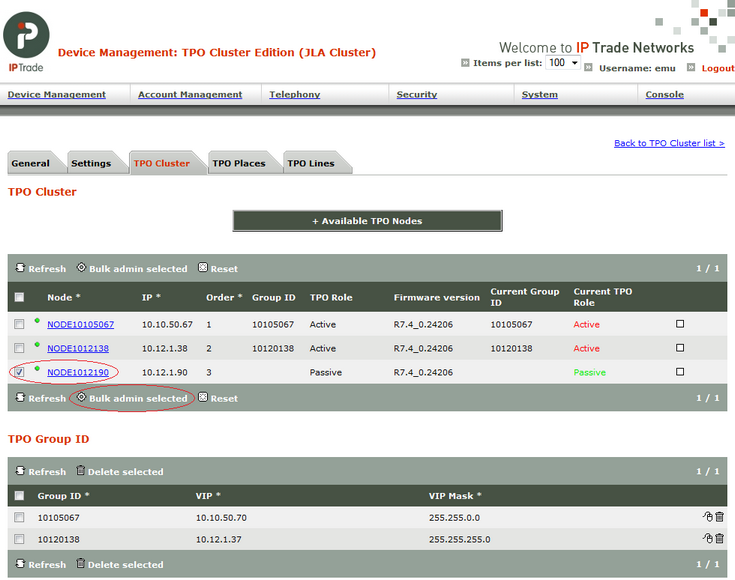
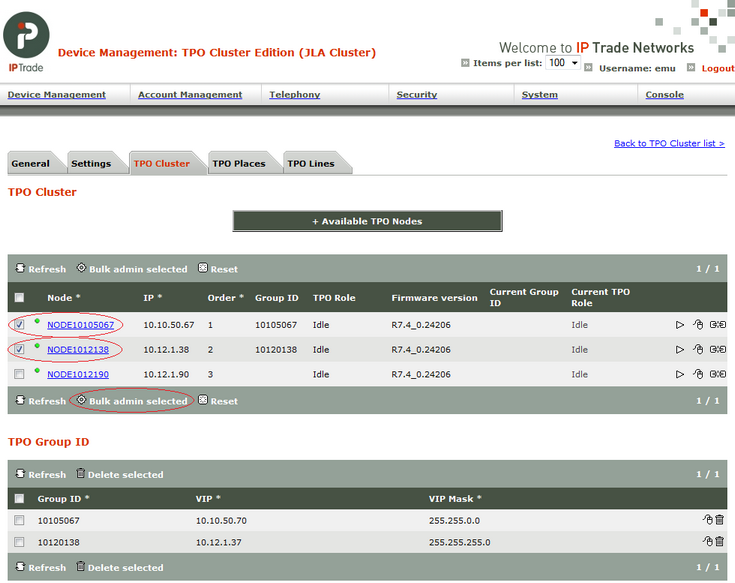
On TSS console, go to "Device Management/TPO Clusters" and click on TPO Cluster linked to TPO to restart. Localize the "TPO Cluster" tab. 1)Select Passive TPO Nodes then click on "Bulk admin selected" button.
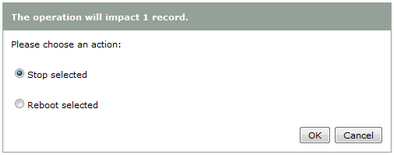
Click on "Stop selected" option then "OK" button.
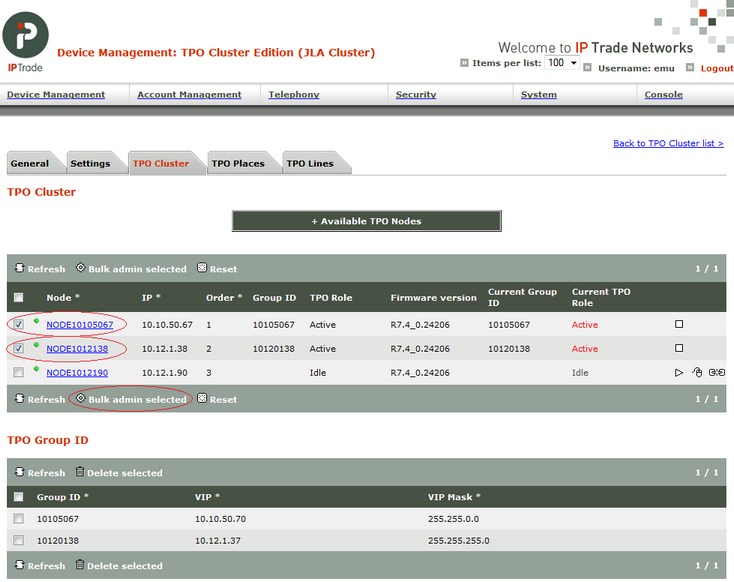
2)Wait for passive nodes to be stopped (Idle) 3)Select Active TPO Nodes then click on "Bulk admin selected" button.
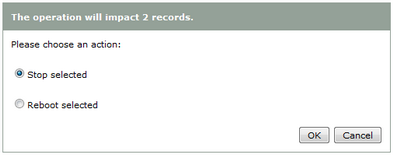
Click on "Stop selected" option then "OK" button.
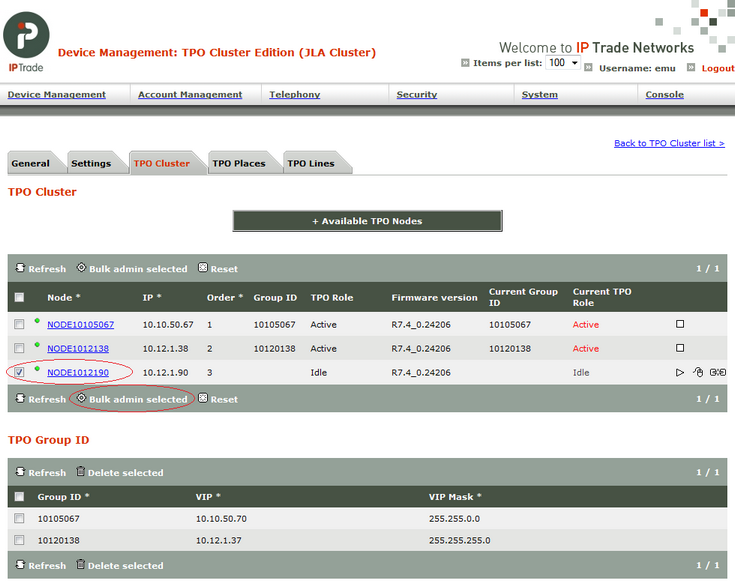
4)Wait for active nodes to be stopped (Idle) 5)Select Active TPO Nodes then click on "Bulk admin selected" button.
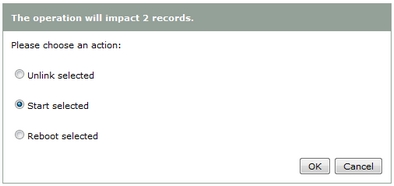
Click on "Start selected" option then "OK" button.
6)Wait for active nodes to be started (Active) 7)Select Passive TPO Nodes then click on "Bulk admin selected" button.
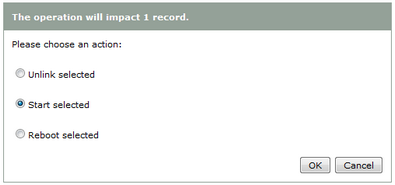
Click on "Start selected" option then "OK" button.
|