Both users have a functional webcam


Both users have a functional webcam |
|
| Enterprise Telephony > PBX dependent features > Video Call > Usage |
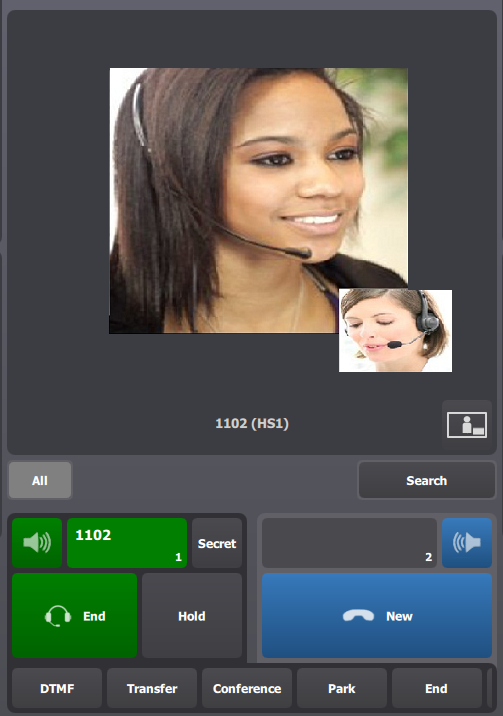
1.User A (8006) initiates a call to User B (1102); video call is established. User A and User B can hear and see each other
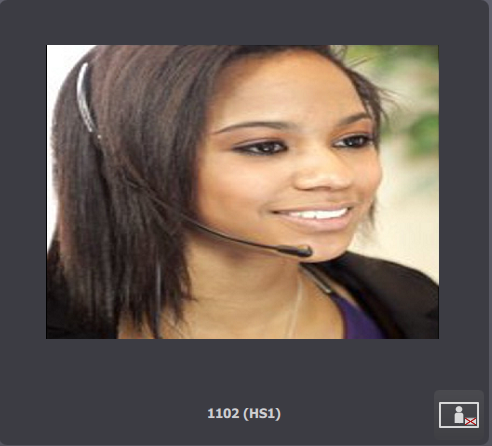
2.User A doesn't want to send his video. He pushes on button under video
3.Video window disappears on User A turret if :
a)User B pushes on button to disable sending of his video and User A pushes on same button ; b)User A moves the call to a monitor entry ; c)User A presses on a shortcut page.
In first two cases, video call becomes an audio call. In third case, video call stays a video call but window is masked.
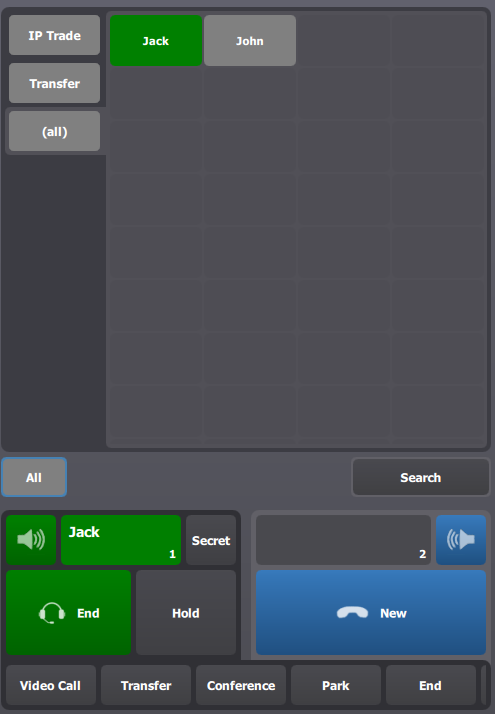
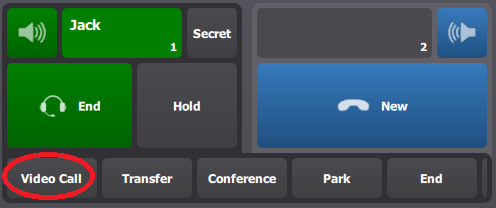
4.If User A wants to return to a video call, he has to press VideoCall button or on monitor entry if call has been placed on a monitor entry.
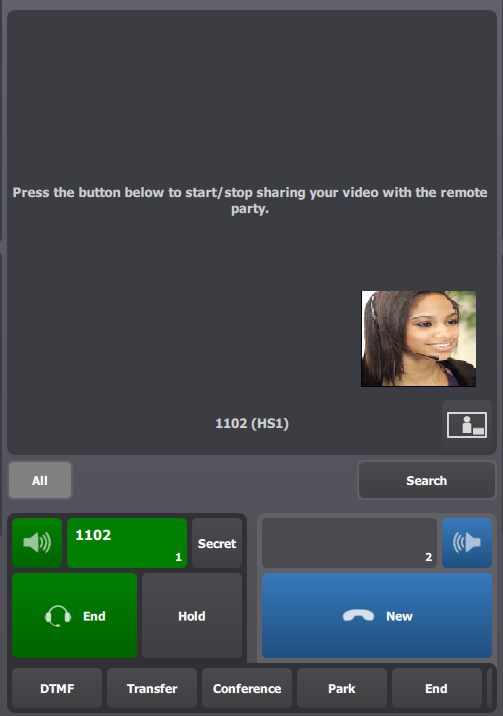
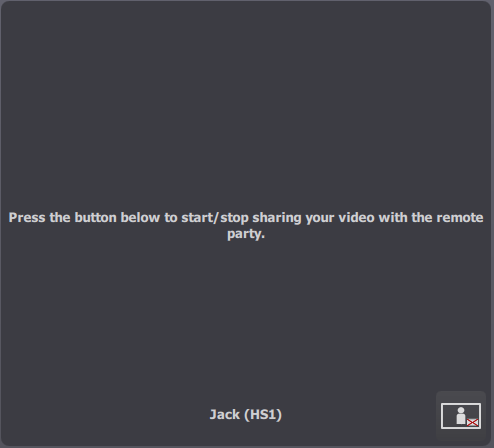
a)If User A and User B have pushed on button to stop sending video and User A wants to restart sending video, after pressing button VideoCall, he will see following display :
If he want to restart sending video, he has to press on button
b)If User A has placed call on a monitor entry, after pressing on monitor entry to return to video call, he will see same state as before placing call on monitor entry (e.g. : if he was in receiving video state, he will stay in receiving video state) ;
c)If User A has pressed on a shortcut page, after pressing button VideoCall, he will see same state as before pressing shortcut page. |