DTMF over SIP


DTMF over SIP |
|
| Enterprise Telephony > Common > DTMF > Configure |
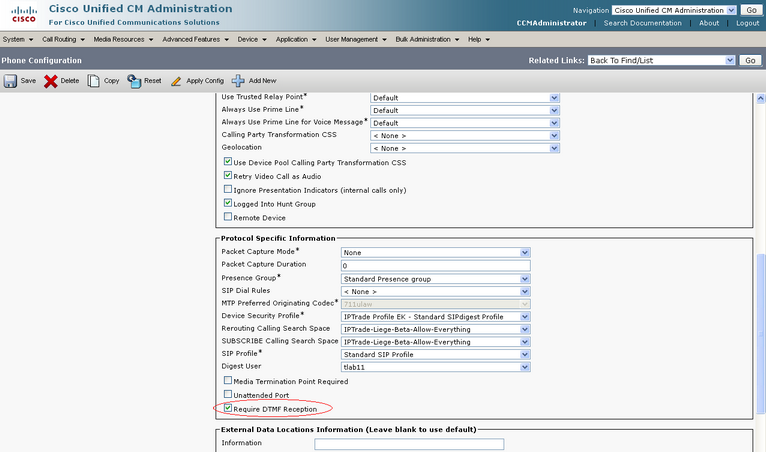
Configuration of CISCO Unified AdministrationFirst of all, CISCO Unified Administration must be upgraded with COP file cmterm-IPTrade_EK_8.6v2-sip.cop.sgn. It must be rebooted to consider changes. Then, device must have Require DTMF Reception key enabled. 1)Open your preferred Internet navigator, connect to the CISCO Unified Administration console URL and log onto the system with administrator privileges ; 2)From the main menu, select Device | Phone screen ; in the result list, locate the entry matching the attendant console device and open the Phone Configuration form ; 3)Check Require DTMF Reception key and save changes.
Enable settings on TSS
|
||||||||||||||||||||