Usage


Usage |
|
| Enterprise Telephony > PBX dependent features > Divert |
Divert to voice-messaging system
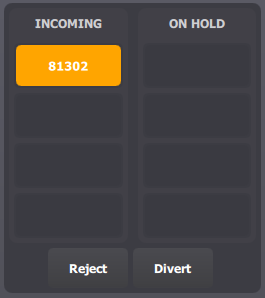
The divert button is available in the call status panel:
When the user clicks on the divert button, the call is diverted to the configured voice-messaging number. By default, the divert button is not present, the administrator can add it by the following settings in the TSS console. Note: to be operational, the voice mail number must also be configured.
Divert to an internal/external phone
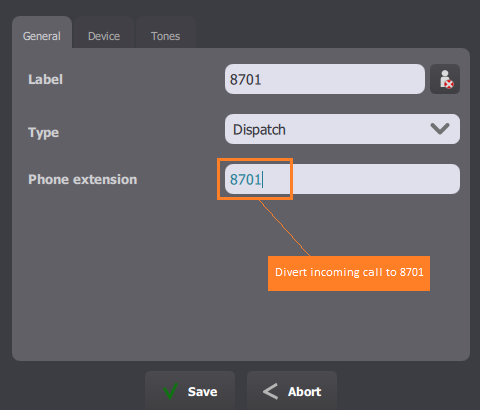
The divert function in this case is only operational in the single handset configuration and the incoming call must be on handset. The administrator can create a shortcut which contains the target of the diverting call. The divert is only available for the following shortcut type: •Dispatch
•Dispatch to Group •Extension •Contact Note: shortcut type Extension and Contact need the option Dispatch on key to be activated. |