Divert to an internal/external phone


Divert to an internal/external phone |
|
| Enterprise Telephony > PBX dependent features > Divert > Configure |
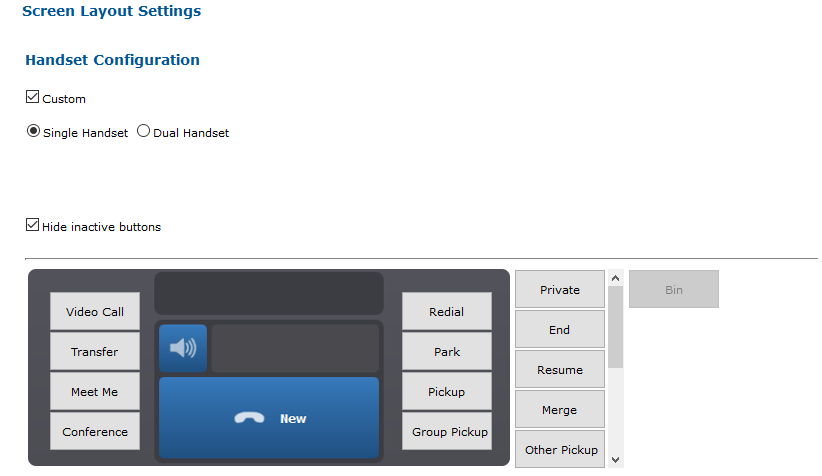
Single Handset1.Go to TSS console management 2.Go to user or shared profiles and click on Screen Layout 3.Click on Handset Configuration and select Single Handset
Incoming call on handset
1.Go to TSS console management 2.Go to user or shared profiles and click on Settings 3.Select Automatic actions panel and Basic Mode 4.Set the option to true
Dispatch on call key
1.Go to TSS console management 2.Go to user or shared profiles and click on Settings 3.Select PBX Features panel and Basic Mode 4.Set the option to true
|
||||||||||||||||||||