Usage


Usage |
|
| Enterprise Telephony > Common > Conferencing |
Sequencial conference
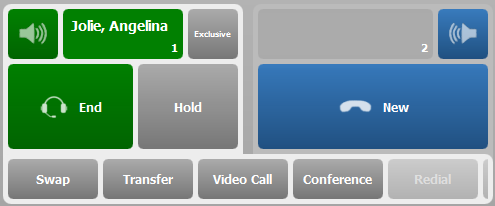
From the end use point of view, both standard and ad-hoc conference have the same workflow. In this sequencial scheme, user add participant when needed using the same handset. Each call is added one by one and the first call is put on hold during the process.
This procedure assume that it exist an established call on the active handset.
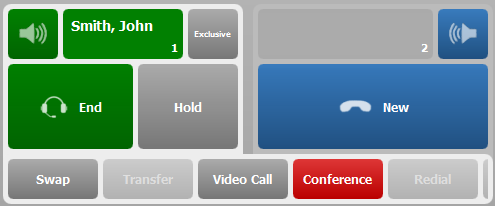
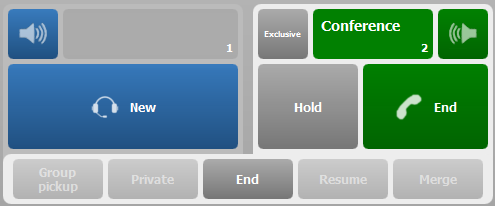
User must then press the "conference" button. The first remote party is automatically put on hold. User then may freely create another call from the active handset, either through a shortcut or through the dial pad(If user does not succeed to establish the second call the "resume" button allows the user to retrieve the original call). Once the second call is established the user see the following screen.
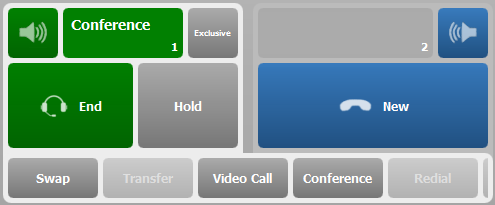
Pressing the conference button for the second time will commit the conference and the 3 participants are put into the conference.
Notice that adding more participants is done exactly through the same workflow.
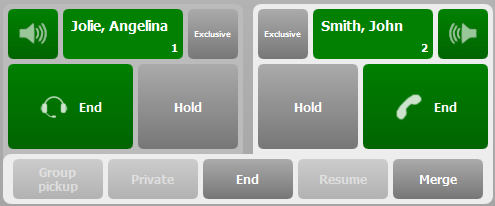
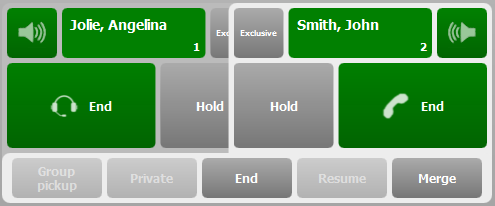
Merging two callsIn this schema, user has an established call on handset 1 and an established call on handset 2
The merge button becomes available, pressing on it will merge the 2 calls into a conference on the active handset.
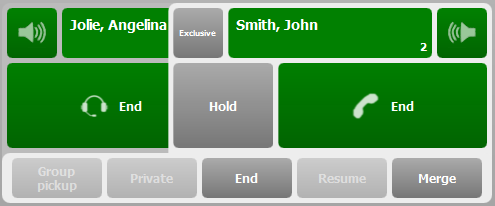
Merging two calls with a pinch gesture
On capacitive screens equipped devices (TouchPro), merging two calls can also be performed by pinching the two handsets together.
Conference Panel
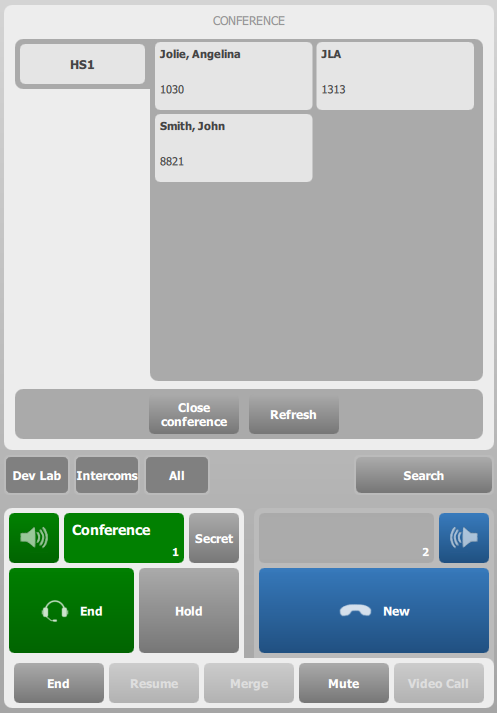
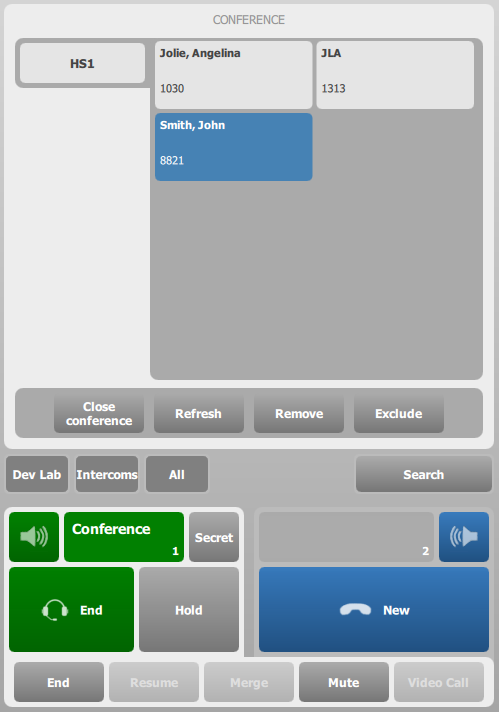
The conference panel offers to the end user a way to control conference participant. This panel is accessible through the "Conference" feature button, not the handset conference button (see configuration)
If the user selects a participant in this panel, he has the option to press on Remove or Exclude button in order to alter conference participants handling.
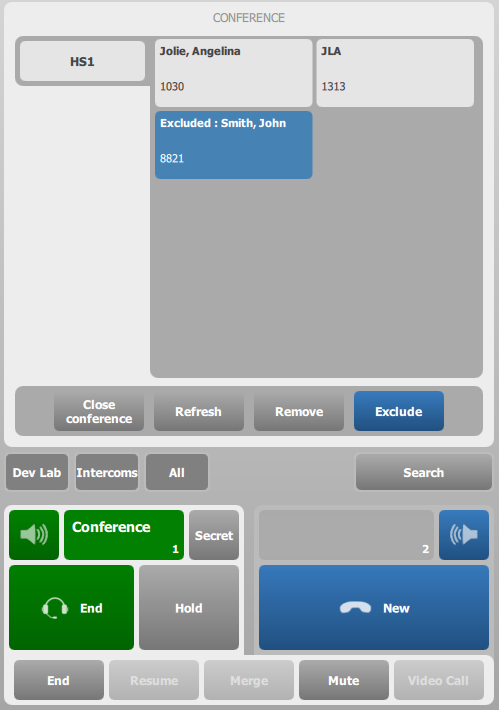
Any excluded participant is prefixed with a "Excluded :" label in front of his name. If the current user is excluded (here, john), this state is reported on the handset.
|