Do not disturb forward rule

Top  Previous  Next
Enterprise Telephony > PBX dependent features > Call Forwarding > Usage > Shared Lines and Forwarding Rules

Considering shared line, the goal of the “do not disturb” forward rule is to forward incoming calls only when all users which register the line have locked the terminal or activated the global do not disturb mode.

Consider two users sharing “Line 1610” and having a DND forward rule targeted to 1120.

dnd1

Initially, both users are active on their terminals and when John Smith calls 1610, both User A and User B can see the incoming call.


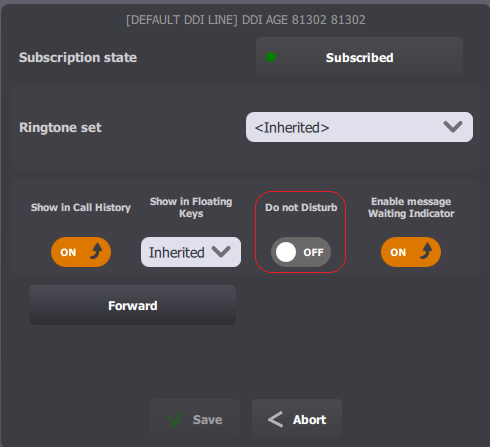
After a while User A has to leave his position for few minutes. Before leaving, he presses Do not disturb access button in order to activate corresponding forwarding rule.

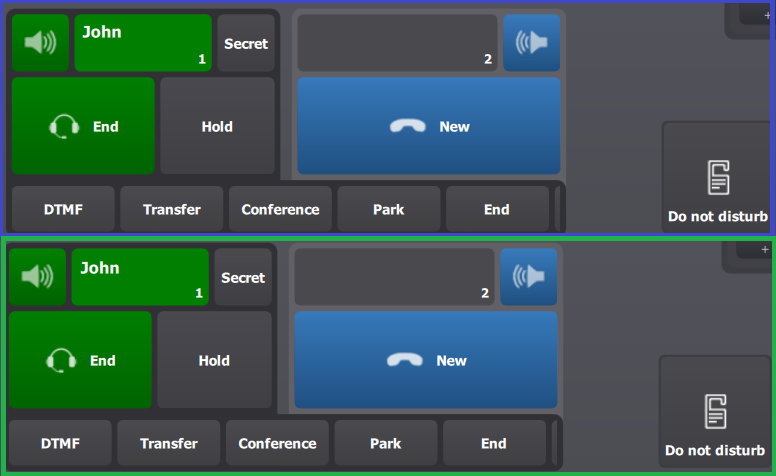
When John Smith calls, terminal of User A doesn’t show the call while User B can see it.

dnd2


dnd3

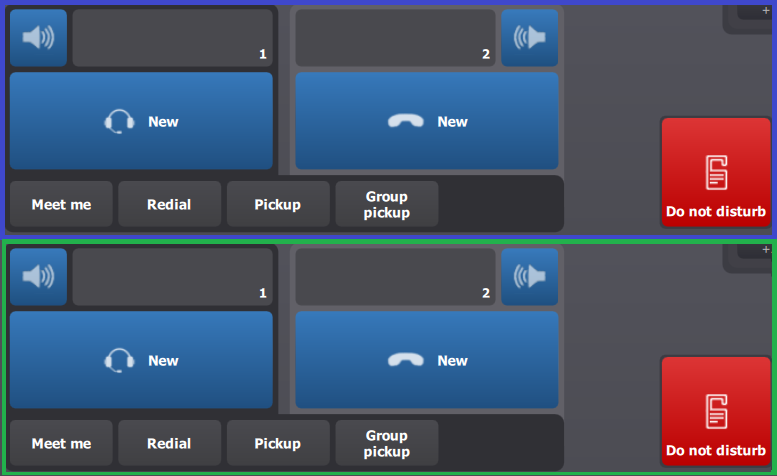
Now, both users have turned “Do not disturb” mode on.

When John Smith calls 1610, one of the terminals redirects him to the DND forward rule target. Thus, John Smith directly reaches 1120.