Global forward rule

Top  Previous  Next
Enterprise Telephony > PBX dependent features > Call Forwarding > Usage > Forwarding rules capabilities

User can define forwarding rule using the Forward button.


Using global forward is a mean to setup the same forward rule to all lines registered from the terminal.  

FWDButton


Activate the Call forwarding


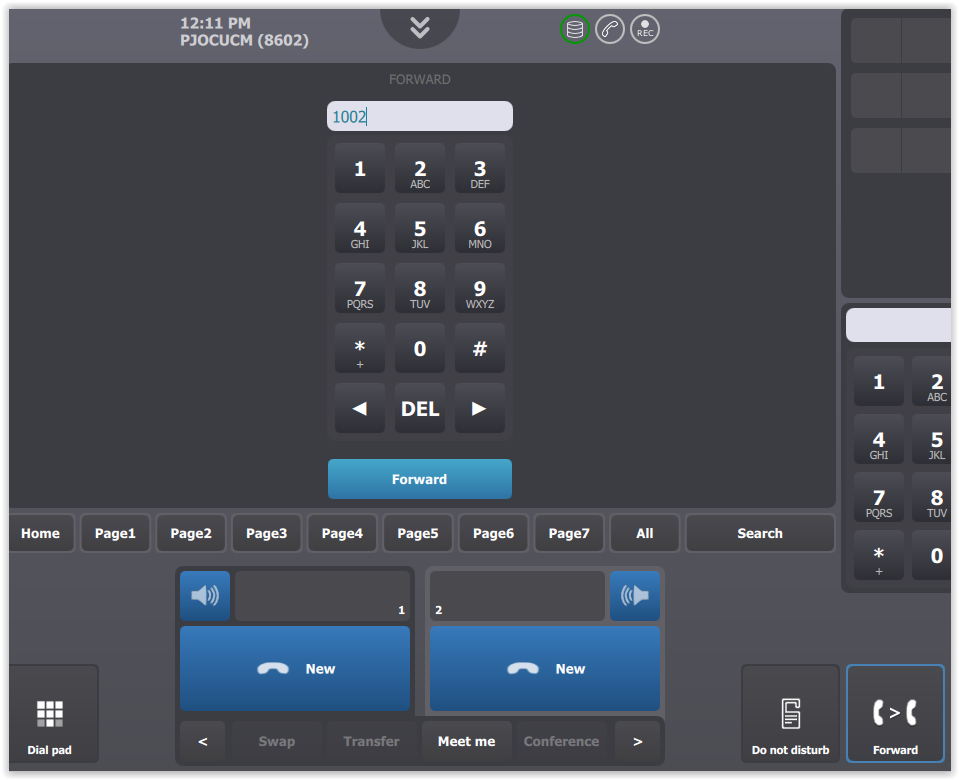
User can setup a global forwarding rule manually typing in the target phone number.


FWDKeyboard

Press Forward  button in order to display forward panel in the center area of the terminal screen.


Use numeric keypad to type in forward target phone number.


Press Forward button below numeric keypad in order to validate global forward rule.

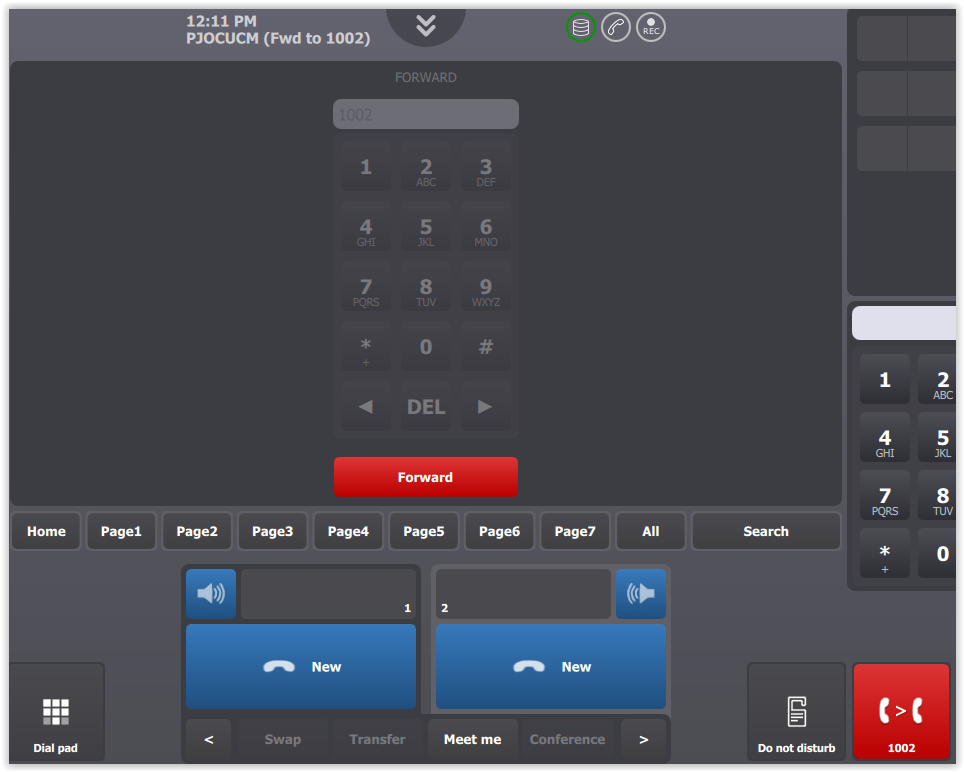
Once rule is applied:

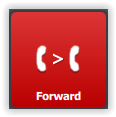
•Forward access button turns red and display forward target

•Forward status is also displayed in the upper area next to connection status icons

FWDStatus


Setup using shortcut


User can setup a global forwarding rule selecting a contact or extension shortcut.


FWDButtonForwardWaiting

Keep Forward button pressed for few seconds in order to activate global forward shortcut selection procedure.


Forward access button starts to blink red.

Press a contact or extension shortcut in order to define it as the global forward target.

FWDShortcut

Note that alternate number within shortcut can also be used as a global forward target.


Once rule is applied:

•Pressed button turns purple and a message indicates forward state

•Forward  button turns red and display forward target

•Forward status is also displayed in the upper area next to connection status icons

FWDActiveToShortcut


Remark: Global forward shortcut selection procedure is aborted if user doesn’t provide any forward number within 10 seconds (configurable).