Do not disturb forward rule

Top  Previous  Next
Enterprise Telephony > PBX dependent features > Call Forwarding > Usage > Forwarding rules capabilities

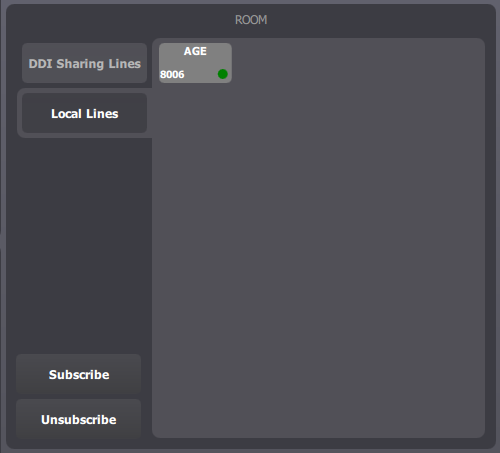
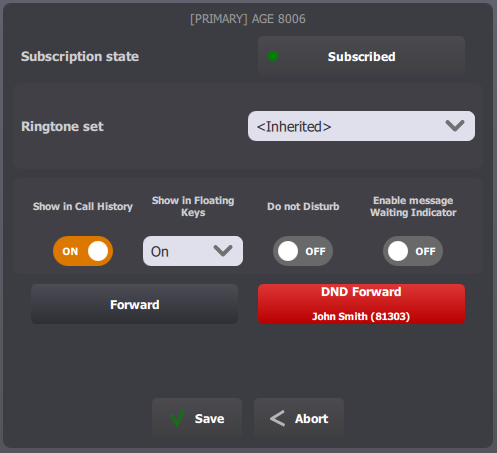
Using “do not disturb forward” allows to setup, per lines, a forwarding rule applied when terminal is locked or in global “Do not disturb” mode. “Do not disturb forward” configuration is accessible from Room -> Local lines / DDI Sharing Lines -> Line edition form.

LineForward1

Effects

When terminal is locked or in global “Do not disturb” mode, any new incoming call which reaches terminal through a particular line, is directly forwarded to the particular target defined by the rule.

Setup typing in phone number or using shortcut

User can setup a “do not disturb forward” rule either manually typing in the target phone number or selecting a contact or extension shortcut.

Procedure to setup “do not disturb forward” rule is so close to procedure to setup “line forward” rule that you can directly refer to those chapters, replacing Forward button by DND Forward button


dndForward