Do not disturb forward


Do not disturb forward |
|
| Enterprise Telephony > PBX dependent features > Call Forwarding > Configure |
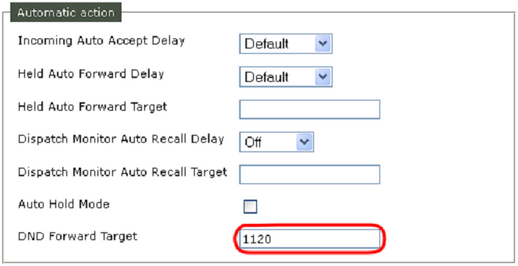
Do not disturb forward rule is stored as a line property the TSS. It can be edited through the TSS console. Do not disturb(DND) forward rule is only applied by the terminal (It doesn’t affect PBX forwarding rule at all)
DND Forward Target In TSS administration console:
DND Global Forward The DND Global Forward allows to define a global forward target when the user is in DND mode :
|
||||||||||||