Emergency call when not logged in


Emergency call when not logged in |
|
| Enterprise Telephony > PBX dependent features > Emergency number (E911) > Usage |
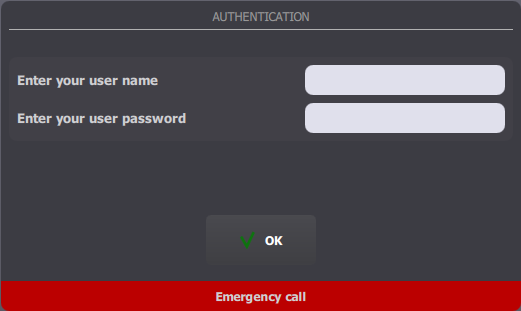
When no user is logged in on the turret, an Emergency call button is displayed at the bottom of the login prompt panel.
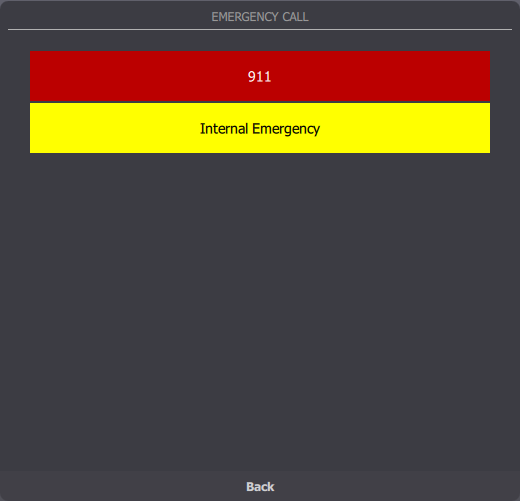
Pressing this button toggles the Emergency panel which contains a list of emergency services available to dial.
To dial one of the services, simply press one entry in the list.
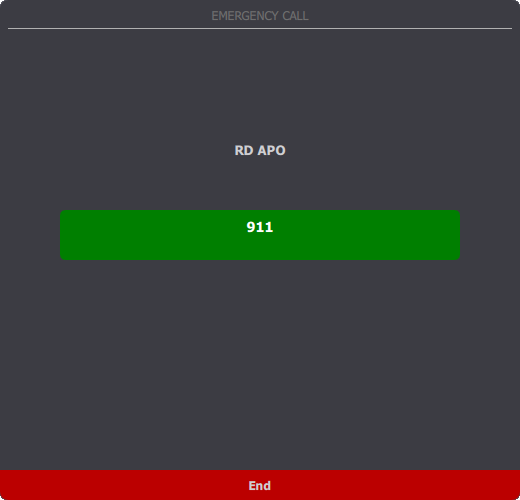
Note: "RD APO" is the telephony line's name and "911" is the target's display name.
The panel then allows visually following the call establishment (here, the main button turns green to indicate that it is established).
Once the call is hung up, from remote party or by pressing the End button, emergency services list is displayed back and user may go back to the login prompt screen (or the locked screen) by pressing the Back button.
|