Creation of an administrator


Creation of an administrator |
|
| IT&Operations > Devices & Users zones > Configuration |
Administrators management can be found on the TSS console, under "Console" > "Administrators".
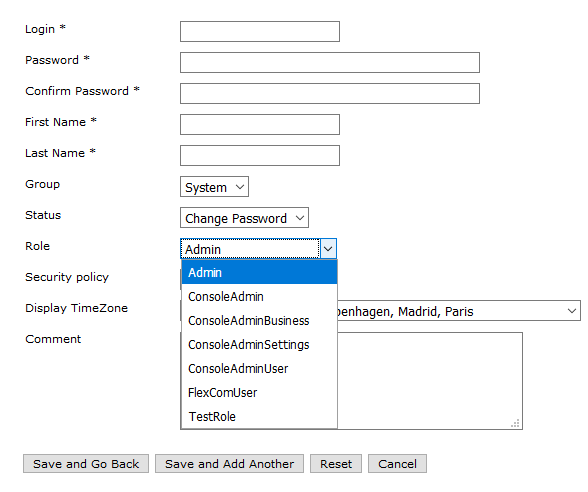
To create a new administrator, click the button "Add New" (above or below the administrators list).
Fill the form with the Name, Login and Password.
To link an administrator to some zones, set the administrator group that is linked to the right zones.
Then select a role. That role will determine the rights and privileges of the administrator.
|