Color scheme


Color scheme |
|
| Enterprise Telephony > Common > Color based identity matching > Configure |
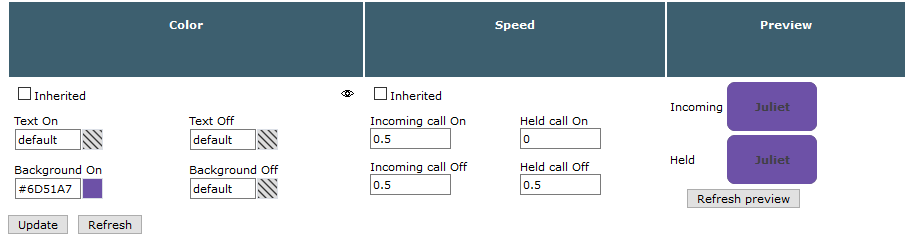
Global color schemeIn the TSS, browse to Account management > users, then click a user to open the user edition form*. In the Turret Layout tab, click Shortcut Notifications. Then uncheck Inherited check-boxes to edit settings.
This is the only way to edit blinking speeds as these speeds should be the same for every shortcuts on a turret.
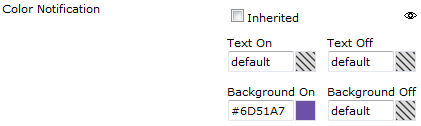
Shortcut group page schemeIn the TSS, browse to Account management > users, then click a user to open the user edition form*. In the Shortcuts tab, click a shortcut page to open the Shortcut Page Edition Form. Then uncheck Inherited check-box next to Color Notification to edit settings.
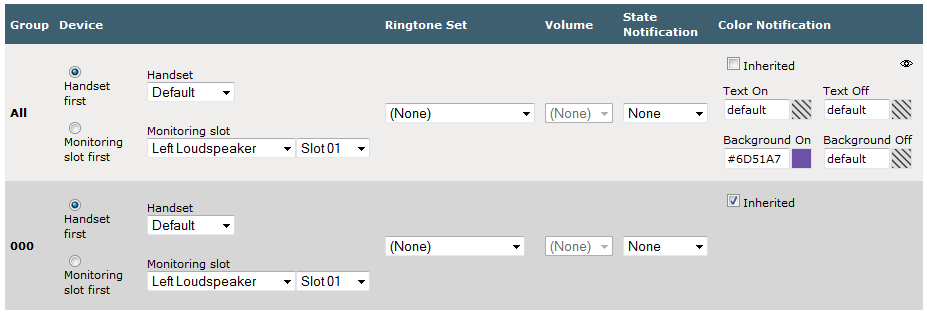
Shortcut color schemeIn the TSS, browse to Account management > users, then click a user to open the user edition form*. In the Shortcuts tab, click a shortcut to open the Shortcut Edition Form. Scroll to the large array. Then uncheck Inherited check-box under Color Notification •at the end of the line relative to the page where the color notification should be modified; •at the end of the All line to edit settings for the shortcut itself.
* All these setting are also available in shared profiles |