Usage


Usage |
|
| IT&Operations > Job Policies > Database backup |
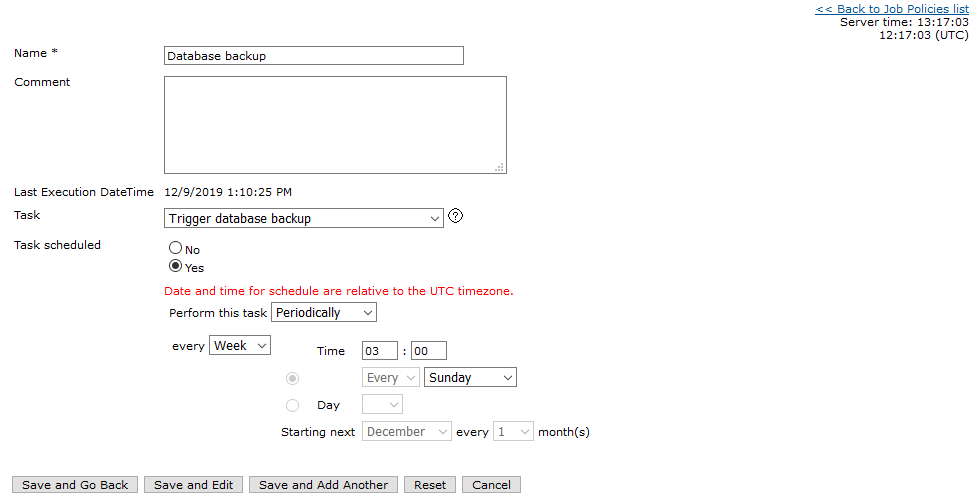
From menu entry System>Job Policies, click on "Add new" to enter in Job Policies edition form.
Give a name to the task. On the task type drop-down, select "Trigger database backup". Specify whether the task is scheduled (select Yes) or for pre-execution (select No). If the task is scheduled, select a periodicity and a date having in mind that the TSS may become unavailable for a few seconds (especially on SQL Server and depending of the size of the database) when the task is executed. |