Associate more than one device to current TSS


Associate more than one device to current TSS |
|
| IT&Operations > TSS device affinity > Usage |
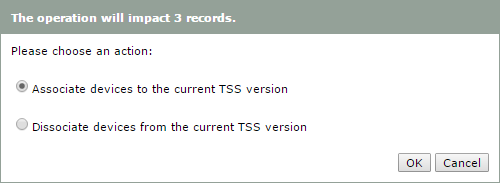
To associate more than one device at a time, select them in the list then click "Bulk Admin Selected", then select the radio button "Associate devices to the current TSS version".
Click "OK" to confirm.
Administrator is also able to dissociate devices using bulk admin by selecting "Dissociate devices from the current TSS version". Those devices will then use the default version. |