TSS Console Login


TSS Console Login |
|
| Solution Integration > OAuth > Usage |
Login to TSS Console can be done via OAuth authentication as well if configured in the TSS settings.
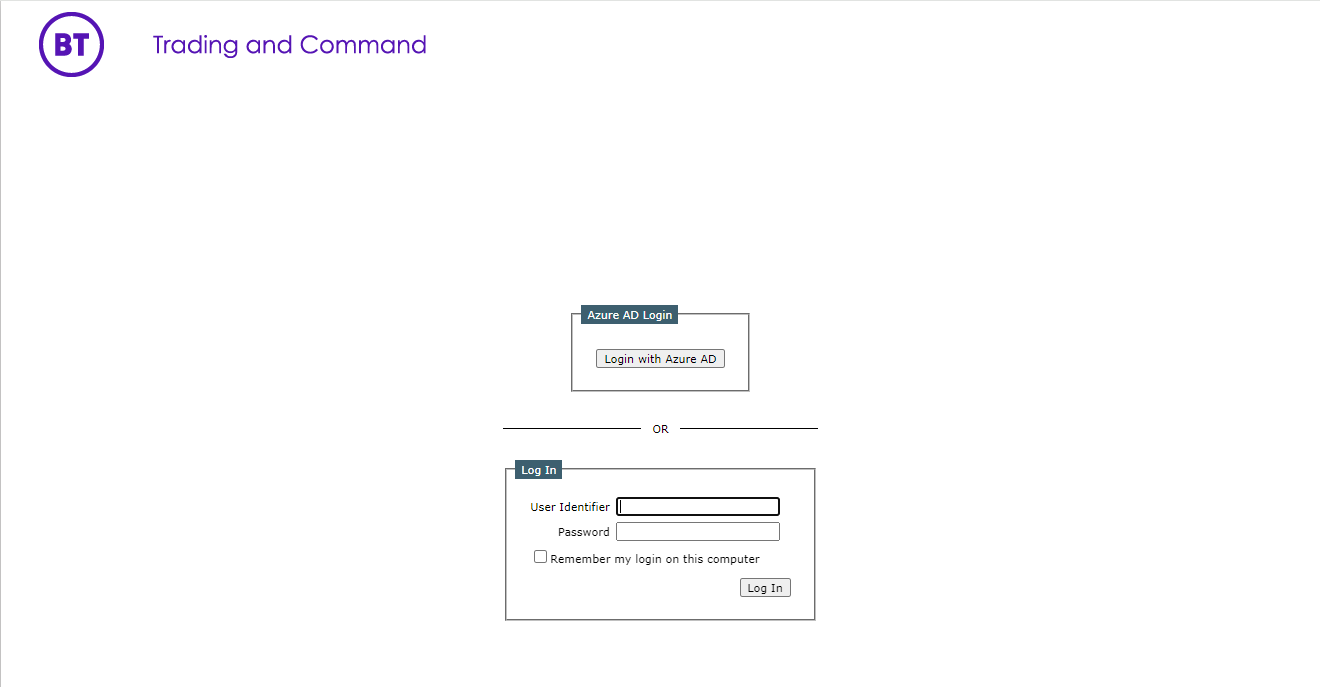
OAuth AuthenticationIf OAuth authentication is enabled in the TSS setting and Application ID and Tenant ID are configured appropriately, the TSS Console Login screen would display option of "Azure AD Login".
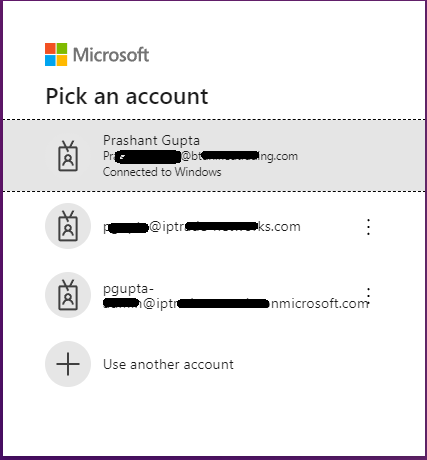
Once button "Login with Azure AD" is clicked, the Microsoft Sign-in pop-up dialog should appear. If previously logged in to any account, then user selection dialogue as below else user input dialogue is displayed.
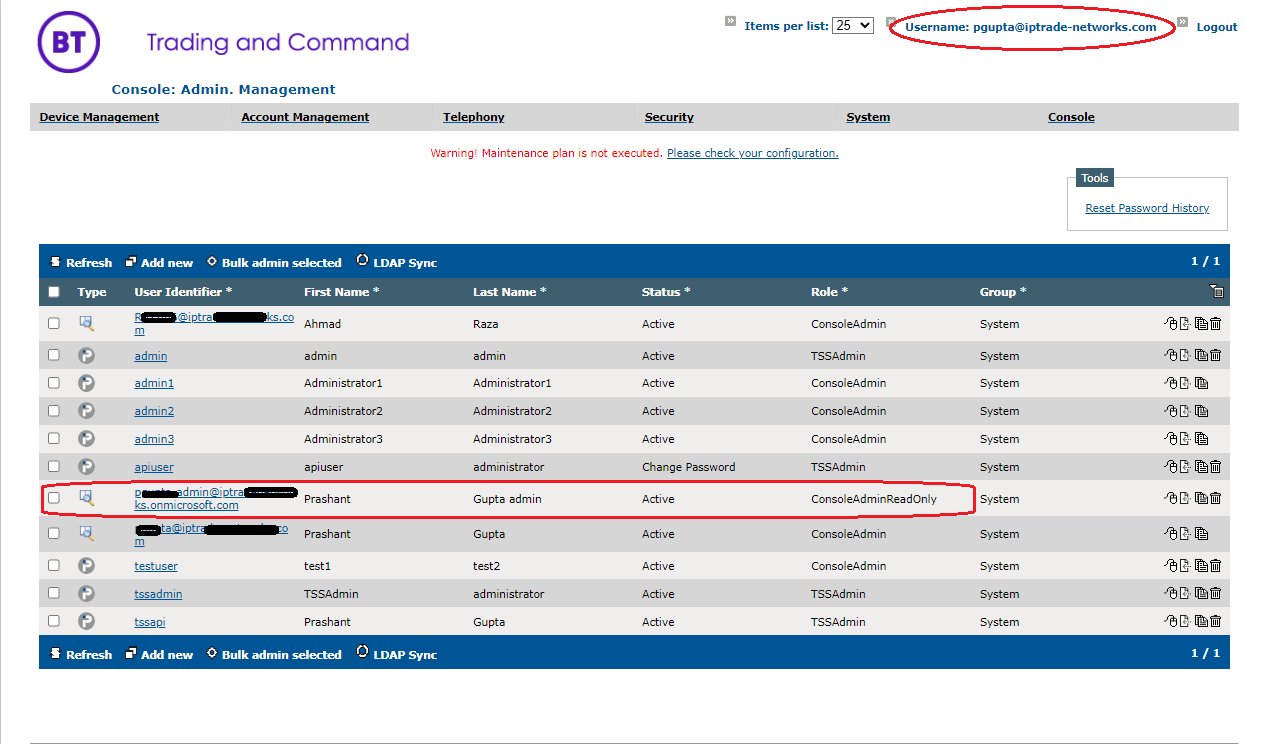
Upon entering valid credentials, user is logged in as administrator with the roles assigned and an entry can be seen in the Administrators page for the same.
|