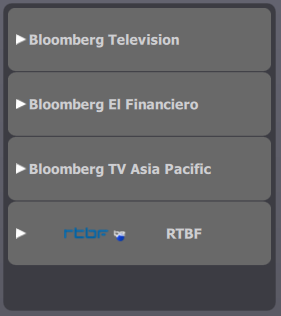
Traders open a media channel by pressing on the desired item in the list.
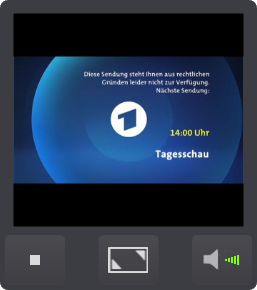
The video applet content is updated and the streamed media content starts to be played. Note that this process can last a few seconds due to connection and buffering latencies.
A few options are then available to traders
•Stopping the played channel and reverting back to the channels selection list; •Enlarging the rendering area and displaying it on top to the programmable keys grid ; when this view is active, traders can switch from one channel to another just by pressing the desired slot in the channels selection list i.e. no need anymore to stop the channel being currently played; •Setting the output audio device (if available); •Adjusting the output audio volume; |