Group intercom with the dedicated panel

Top  Previous  Next
Trading and C&C > Turret Proxy To Open communication (TPO) > Group Intercom > Usage

Open the intercom panel

intercom-button

To open the dedicated panel, press the intercom access button.

Intercom members

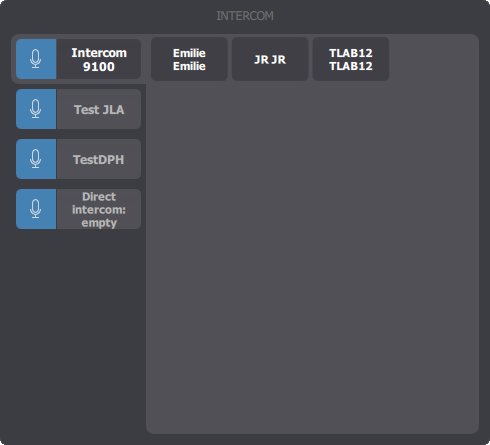
intercom-panel

In the left side this panel is the list of all intercom groups defined on the TSS.

Select one of these groups to see who is a member of the group, list of members will appear on the right side of the panel.

Talk to a group

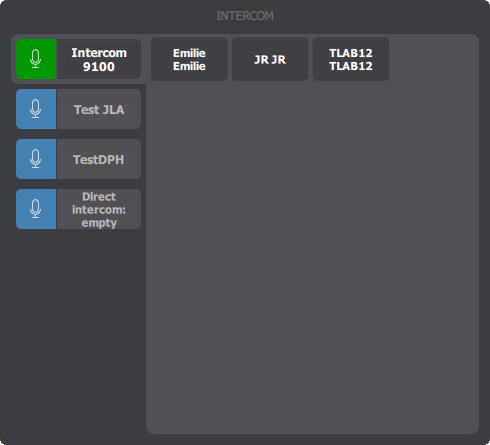
intercomgroup-talkingTo open microphone simply press the microphone button next to the target group, in the left side of the panel.

If no intercom call was open to that group, a new - temporary - connection is created.

The microphone is then opened on the intercom and user is talking to every person connected to the group (members and temporary connected users).

To close the microphone, press the microphone button again.

If the user is not member of the intercom group, the temporary connection is closed.