Direct intercom with the dedicated panel


Direct intercom with the dedicated panel |
|
| Trading and C&C > Direct Intercom > Usage |
Open the intercom panel
Intercom members
Talk to a member
|

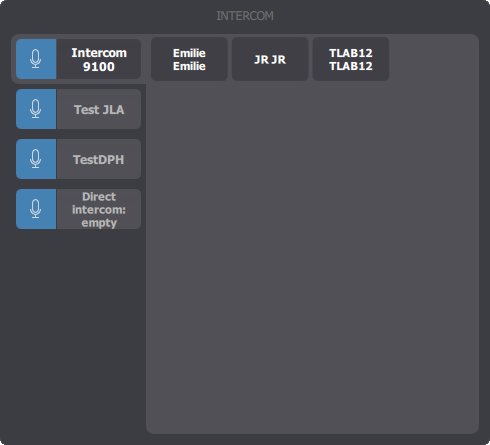 In the left side this panel is the list of all intercom groups defined on the TSS.
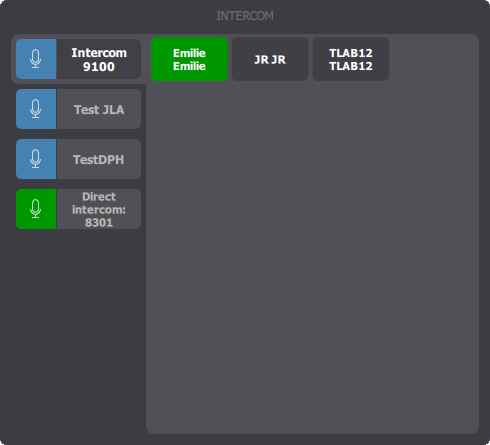 To open microphone simply press the entry related to that person, in the right side of the panel.