Delete Client Certificate


Delete Client Certificate |
|
| Solution Integration > PBXs > Cisco > Secure Communication > Configure > CuCM Setup |
Here are the steps to delete the client certificate:
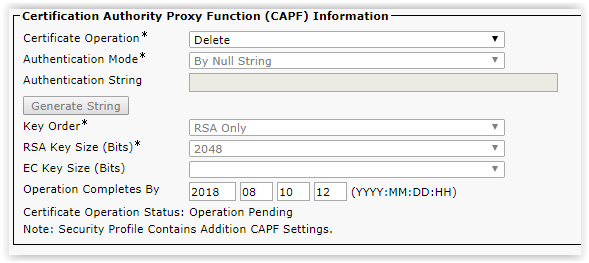
1.In the device settings, on the CAPF information: a. Change the Certificate Operation to ‘Delete’ b. Set a date for the operation completion c. Click on the Save button
The certificate Operation status is becoming pending.
2.Restart the TPO Cluster to consider the modification
A reboot of TPO Cluster is required to take into account the modification. |