Installation


Installation |
|
| Solution Integration > PBXs > BT Call Server |
Deployment of VA The BT Call Server Virtual Appliance (VA) is provided in the form of an .OVF file, which serves as a packaged snapshot of the appliance, ready for deployment.
The BT Call Server VA .OVF file can be deployed using the VMware vSphere Client as follows:
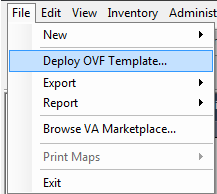
•Once connected with the VSphere client, select File, Deploy OVF Template.
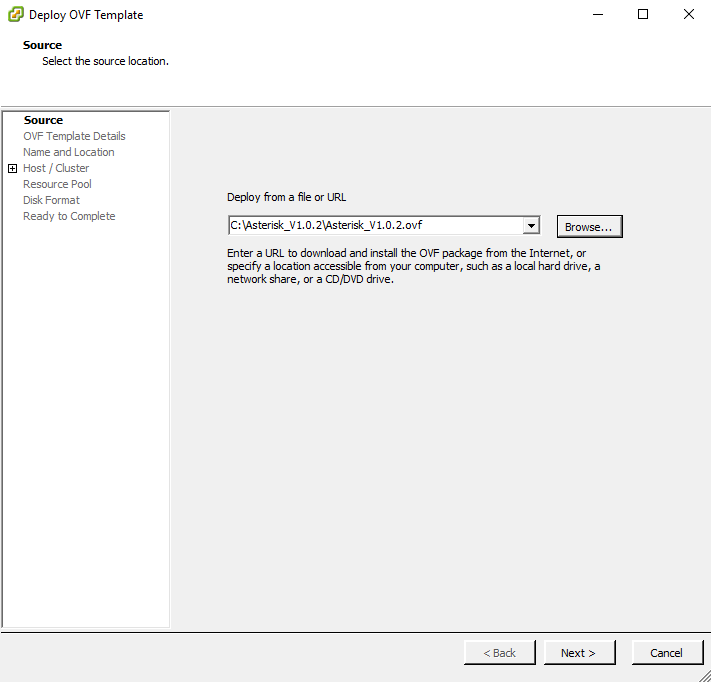
•In the OVF Deployment Wizard, select the OVF file to deploy. The VMDK file must be in the same directory than the OVF file you selected.
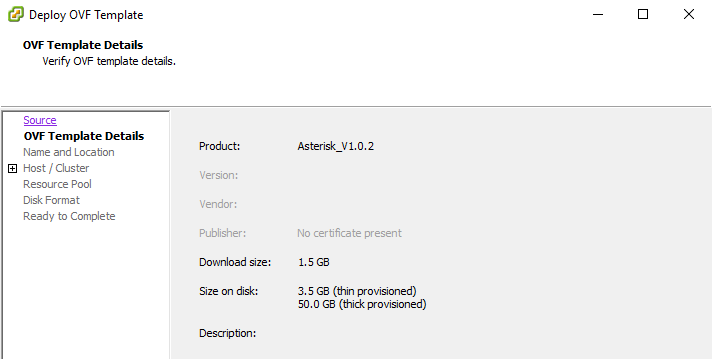
•The next screen gives you details about the Asterisk Virtual Appliance.
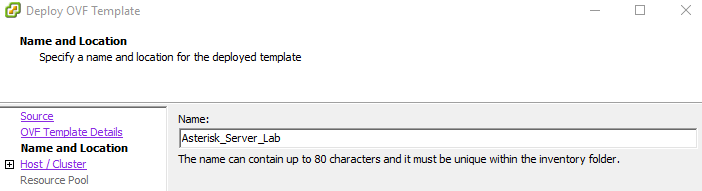
•You must then specify the name of the Virtual Appliance.
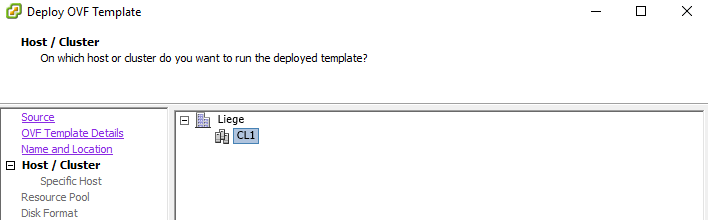
•Then you must select on which cluster you want to deploy the virtual appliance and on which host. Depending on your architecture, you must select the server on which the Virtual Appliance has to be deployed.
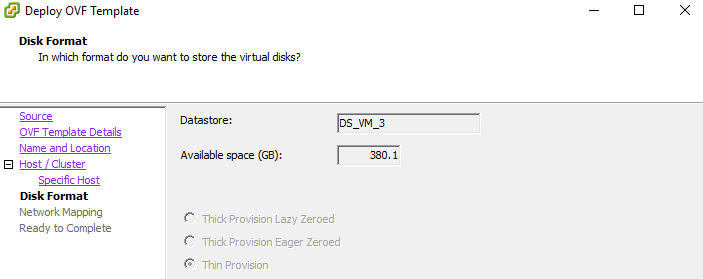
•The following screen gives you information about the size that the Virtual Appliance will take on the disk.
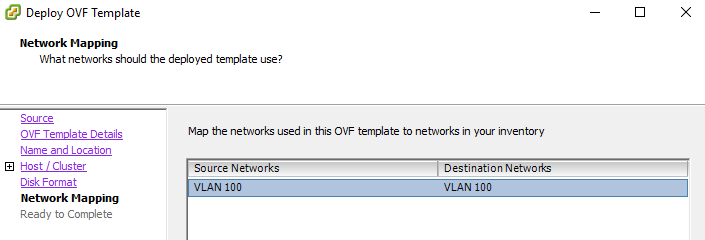
•You must then select the network adapter which will be mapped with the Virtual Appliance. Pay attention to choose the network adapter that suits your needs in terms of VLAN.
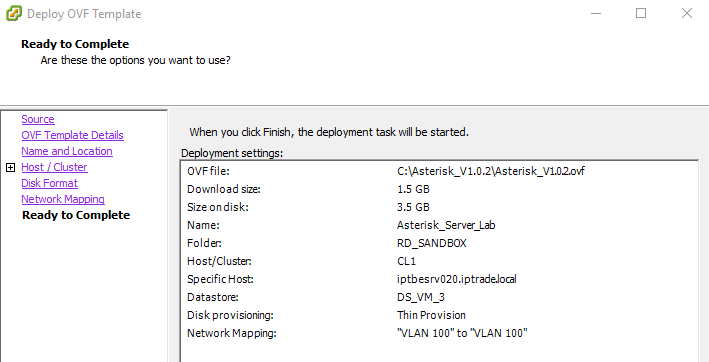
•The last screen of the wizard summarizes the settings of the deployment.
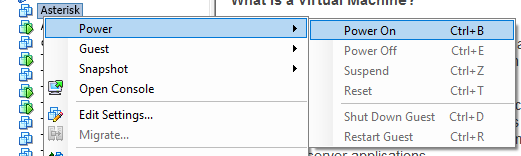
•The deployment itself can take a while, depending on your VSphere configuration. Once the deployment is complete, you can proceed with the power on of the Asterisk VM.
|