History State on Call Key


History State on Call Key |
|
| User Options > Shortcuts > Basic Usage |
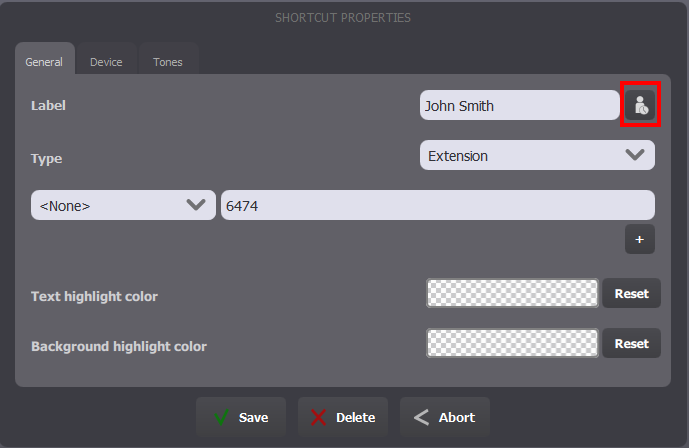
The call history state for a specific phone extension (remote party) can be automatically displayed on the call key itself, so that the end-user easily knows if he has already called (or was called by) the party recently. Visually, the notification on the call key is: • • • • To enable the history state on call keys, two options are available. One on the call key itself, and one on the call key group. Enabling the state on a call key allows using it on a very small and specific amount of call keys, and is done the following way: 1Access the Maintenance Mode by pressing the 2Press the Call Key that needs history state activated 3Press the circled button until the
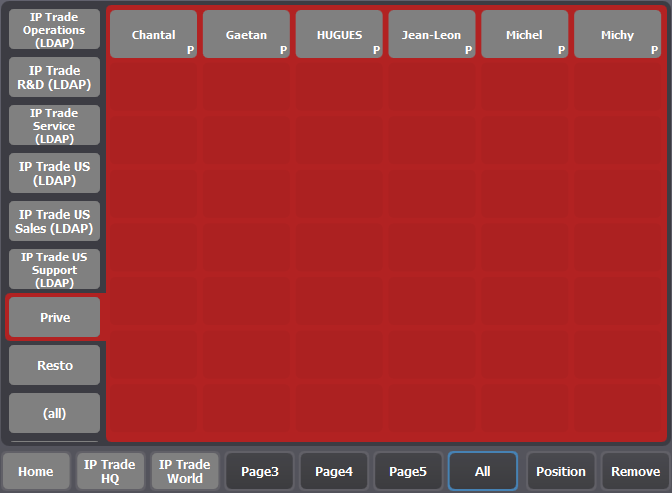
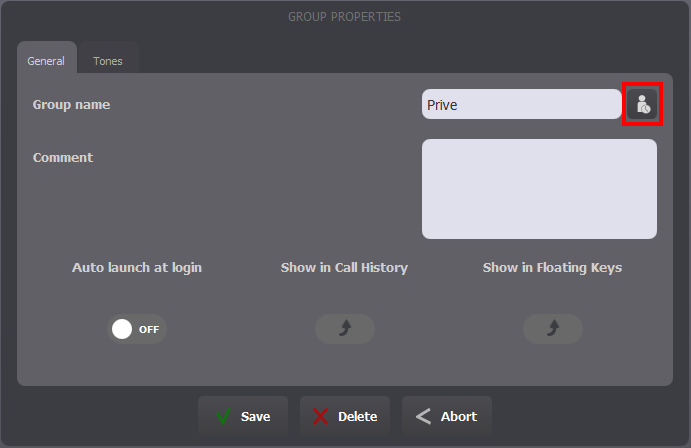
Enabling the state on a call key page allows using it on a large number of call keys, without having to edit each one. All call keys belonging to that group (as well as any call key having the same phone extension) automatically have the history state enabled. It is done the following way: 4Access the Maintenance Mode by pressing the 5Select one of the Private Shortcut group in the All page
6Press the circled button until the
|