Usage


Usage |
|
| Trading and C&C > Netrix > Keypage Editor > Colours |
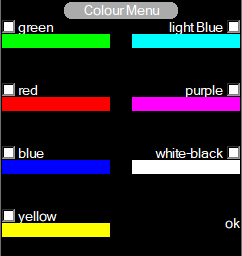
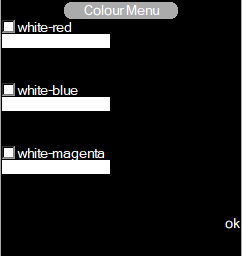
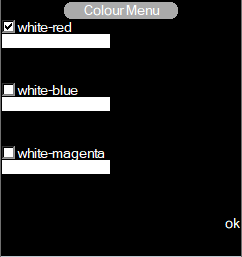
The Colour menu allows a user to assign colours from the available colour options.
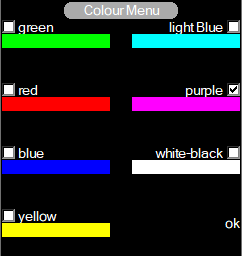
To change the colour of a key on a private page the user needs to check the desired colour option and then press the desired LineBank key.
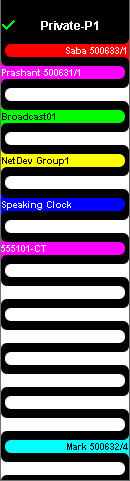
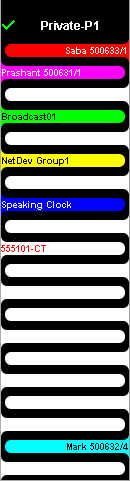
As we can see and figures above, slot “555101-CT”, has been assigned colour “purple”.
Now, the slot “555101-CT”, has been assigned colour “white-red”. |