FTP credentials on TSS VA


FTP credentials on TSS VA |
|
| IT&Operations > Security > Advanced configuration |
On a TSS VA, you can configure FTP credentials through the Component Manager.
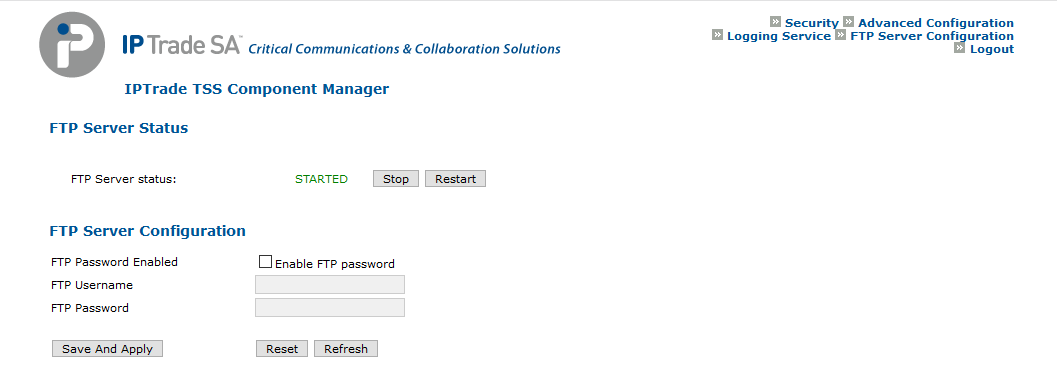
Configure the FTP username/passwordOn the TSS VA Component Manager, navigate to "FTP Server Configuration" (on the top right of the page). The FTP Configuration page is displayed.
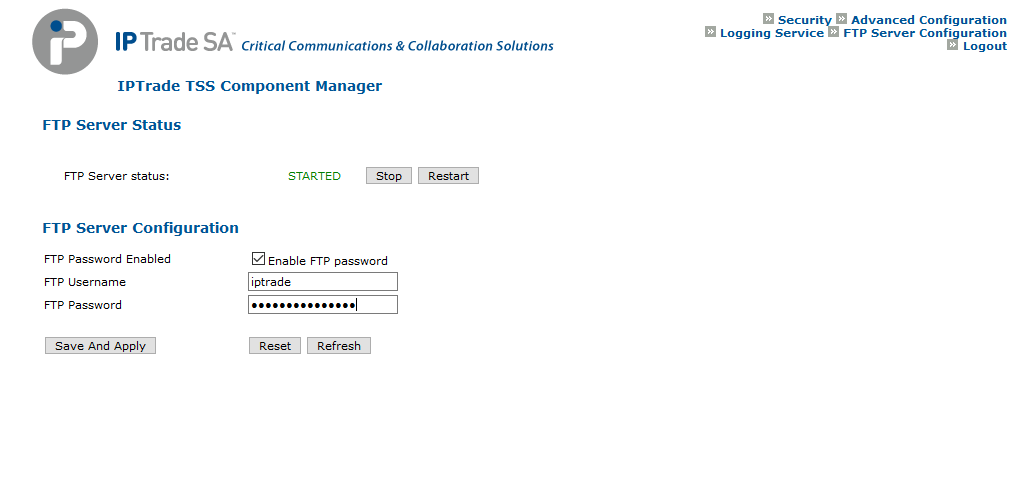
Tick the checkbox labeled "Enable FTP password" and fill the desired username and password.
Press the "Save And Apply" to save the configuration and restart the FTP server to apply it. Once the "FTP Server status" is back to "STARTED" state, the configuration is applied. You must now set up your devices (Turrets and TPOs) in order to use the configured FTP password.
Limitations•The FTP configuration will not be replicated on the secondary server; thus, it has to be done on the secondary server manually through its Component Manager •If a devices is connected to the FTP during the configuration update, its connection is dropped. |