Upload Firmware


Upload Firmware |
|
| Solution Installation > Netrix Installation > Upload Netrix Code to TSS |
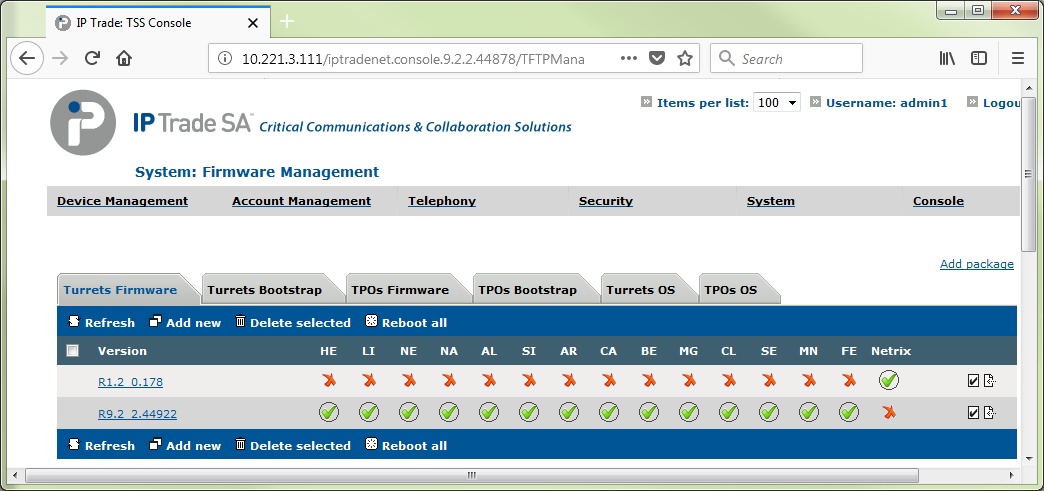
To upload the Netrix firmware onto the TSS; 1.Log in to the TSS console 2.On the main menu select System > Firmware Management 3.On the Turrets firmware tab, select “Add new” 4.Select choose file, and select the file named 1018-Rx.x_x.x.zip 5.Press the upload button 6.When you return to the Turrets firmware tab, the Netrix suite should be listed in the grid of available versions.
7.If you have Netrix already connected to the TSS then once the default version on the turrets firmware tab and/or for the zone has been changed, the turrets will upgrade their code when rebooted.
|