Configure


Configure |
|
| User Options > Corporate label customization |
An image can be associated to the three configuration levels below. The lowest level always has precedence.
On a single turret
On the TSS Administration Console, open a turret edition form (Devices Management > Turrets).
For all turrets in a zone
On the TSS administration console, open a zone edition form (Devices Management > Zones). Open the Turrets tab.
For all turrets
On the TSS administration console, open the System zone edition form (Devices Management > Zones). Open the Turrets tab.
Upload the image
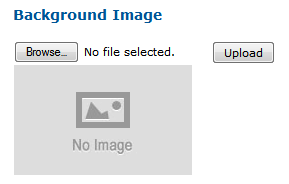
Locate the Background Image section in the form.
Click the Browse... button and select your image (NB: only PNG format is supported), then press Upload button.
|