Usage


Usage |
|
| User Options > Peripheral devices > Busy light |
The busy light peripheral reflects the user availability; the color of the light will change depending on the turret/user state.
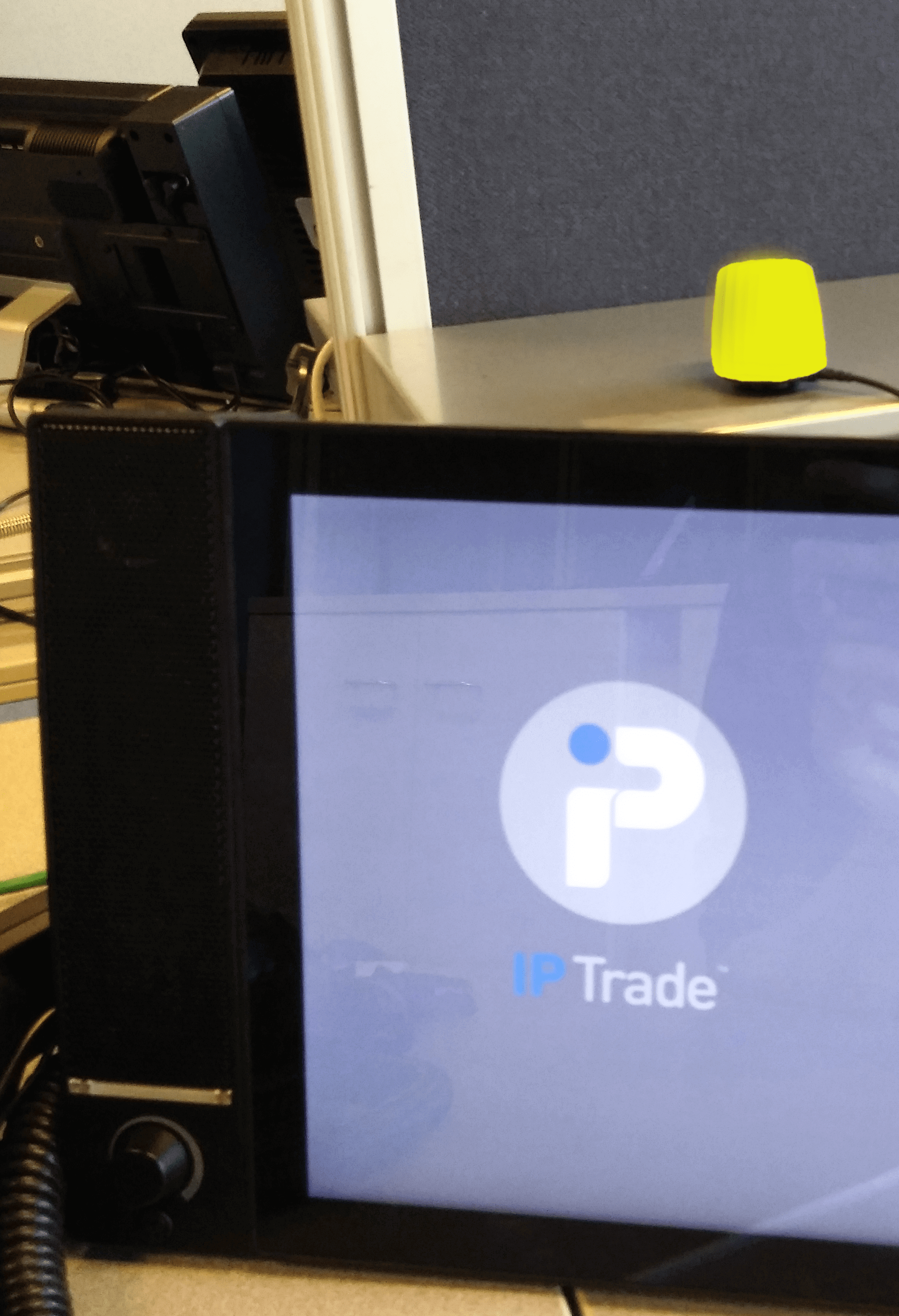
1. The user is not logged in, the light color is yellow (by default).
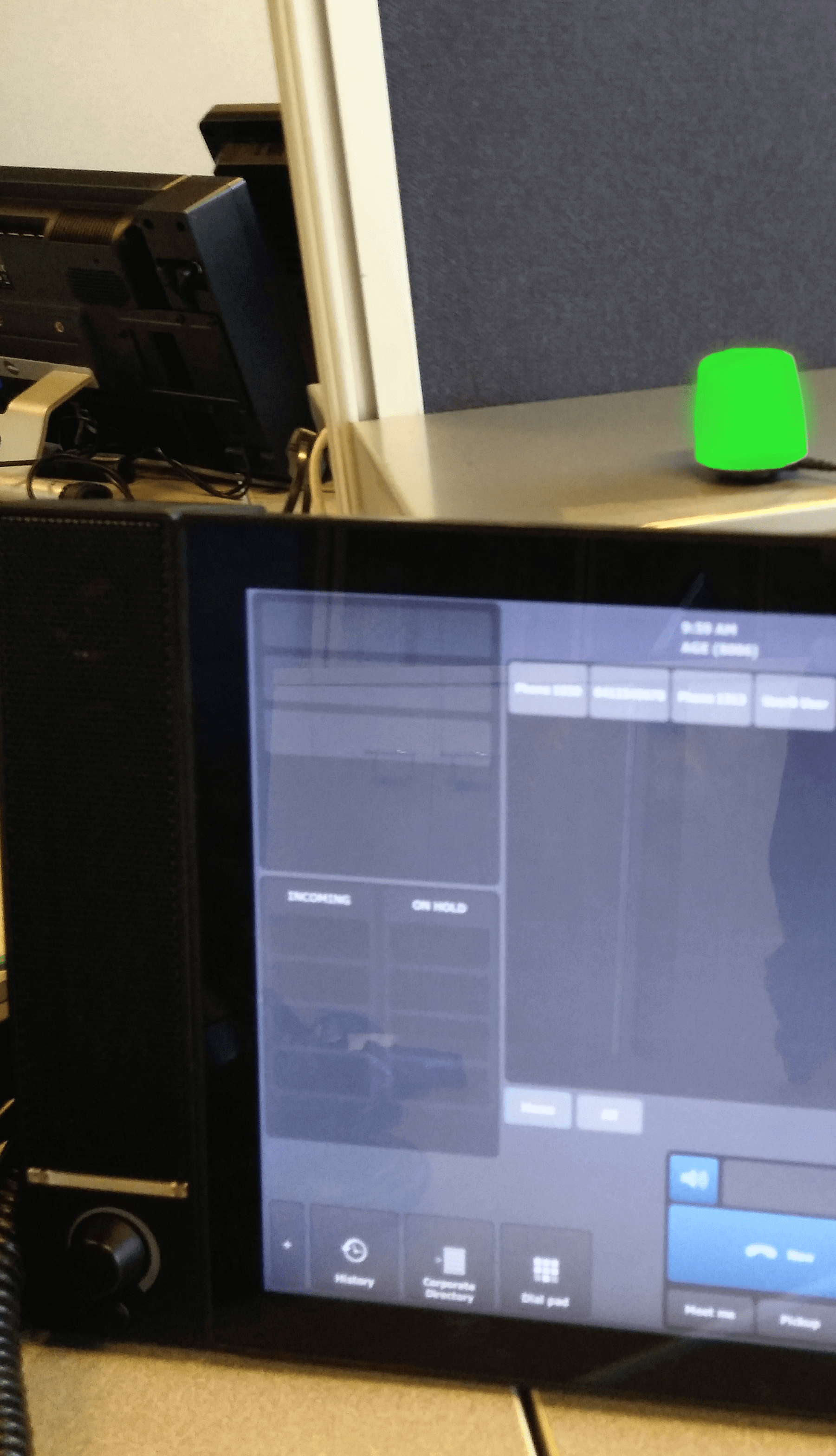
2. The user is logged in, the light color is green (by default).
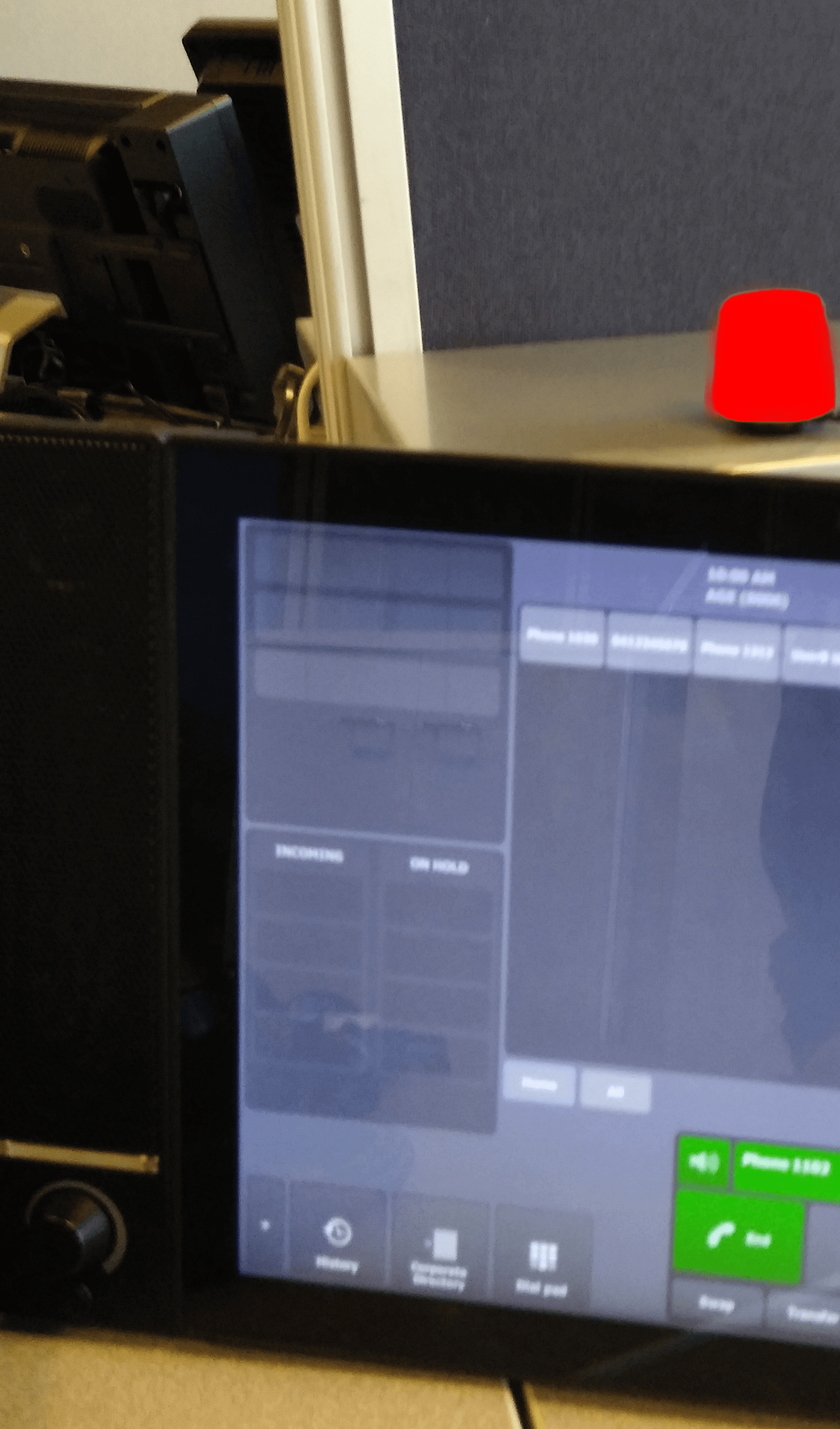
3. The user have a call on headset/handset, the light color is red (by default).
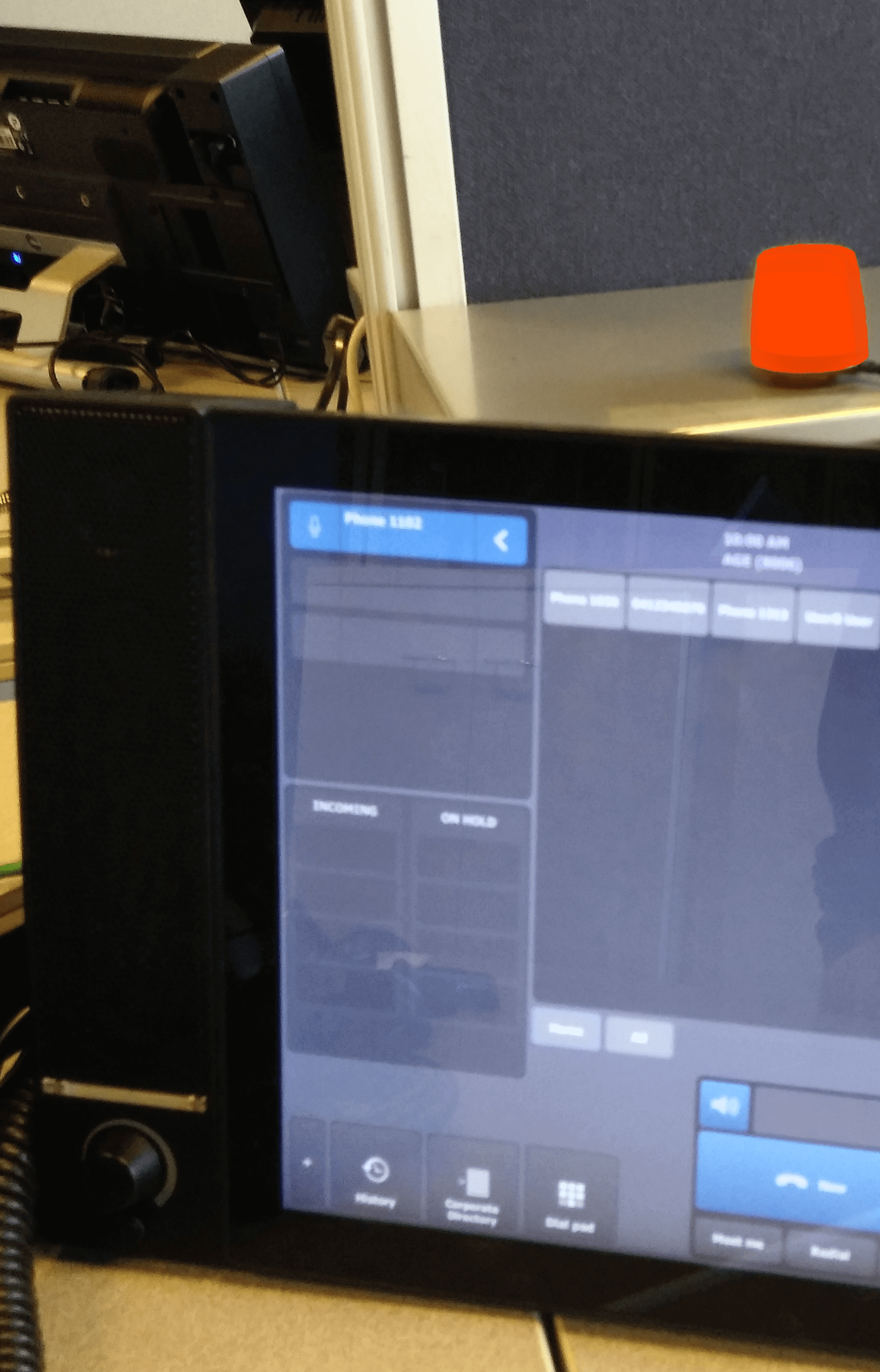
4. The user have a call on speaker, the light color is orange (by default).
 |